
Index Template
How to pick the right actors for your marketing videos
How To Cast Actors For Marketing Videos
Using the right actors in your marketing videos is essential. Whether you choose an onscreen actor or a voiceover actor, casting the right person is a big decision. Here are our top casting tips.
How do you choose the right voice actor?
Let’s start with voice over artists and what they can do for your video. Choosing the right voiceover artist will give your video the professionalism that will make it work. A professional voiceover artist will understand the creativity and precision required and bring versatility and range to your project. An experienced voice actor will likely have on-camera or on-stage experience. He will be able to take direction and deliver the authenticity that is so important in a marketing video.
The right voice can give your brand a lift and may even become known as the voice of your brand. Something you’ll want to consider when casting a voiceover actor is the importance of tone. A professional will understand how to strike just the right tone and will know exactly where to pause. If the voice is off, it can make your video boring or, even worse, can put your audience off.
A great voiceover will emotionally and credibly communicate the message of your video. Use these tips for picking the right voiceover artist.
- Start by making a list of the emotions that describe our brand. For example, an investment firm would want to convey security and stability. A home product would want to convert friendliness, efficiency, and positivity. You will want to pick an actor that best embodies the emotions of your brand.
- Decide whether you want a male or female voice. Studies show that many find a female voice more soothing and a male voice more authoritative.
- Ultimately, it depends on your brand and your message, and who your ultimate target customer is.
- There are many voice actors, and getting started with picking the right one for your project can be overwhelming. This is why working with a video production company can be so helpful. They will have a stable of actors they have worked with and will have the skill to match your product’s voice. Ask around for recommendations if you have contacts in the agency world.
- Take a look at the previous work of the actors you are considering and look for range and any work in your verticle or targeting your audience.
- Think about your audience! This is perhaps, the most critical consideration. You will not use the same voice for a child’s toy that you would use for a product targeting seniors.
- Try to test your finalists’ voices with people in your target demographic. If you are not your demographic, your choice may be off.
- Think about the pitch of the actors’ voice. A senior audience will do better with a deeper pitch. Think about modulation and whether the actor is creating and holding interest and clearly enunciating the words.
- Be sure to choose the right accent. If you are appealing to a specific region, a regional accent may work. If you are marketing nationally, a neutral accent will serve you best.
- Think ahead! This voice may become the voice of your brand. You don’t want to break the trust and familiarity established with your audience by changing out the voice mid-stream.
Will an Actor or Owner Be Your Video Spokesperson?
Many people choose to be the face of their brand instead of using an actor. There is no easy answer as to which is best. Some people may think seeing an actor in your video is more professional and convincing, while others are turned off by this and want to see the people and story behind your brand. There are authenticity and transparency in having an owner spokesperson.
Here are some pros and cons to both approaches.
- Choosing an actor will give you the experience in front of the camera that will make them look trustworthy and authentic.
- It will be easier to work with an experienced actor and likely require fewer takes to get a good result. They will know how to follow directions and show the emotions you want to convey as long as they understand your brand’s personality and the target audience.
- A disadvantage of hiring an actor is cost. Actors may charge on an hourly or fail rate and sometimes even look for royalties or commissions.
- If you are using the owner or someone associated with the company in your video, there will be an authenticity that is difficult to match. And you will know your brand and product better than anyone. This can bring sincerity and trustworthiness to your video.
- Using a company member also makes it easy to make future videos and maintain continuity from project to project.
- An owner or member of the company may not be able to achieve the level of comfort in front of the camera that is essential. The last thing you want is to make your audience uncomfortable because of a lack of camera presence.
- The ultimate decision should be based on who can best represent your brand professionally and authentically while staying within your budget.

How to Cast the Perfect Actors for Your Video
Here are our top tips for casting the right actor for your video:
- Cast actors that your target audience will relate to. People are more likely to buy a product if they see themselves or what they aspire to look like in your video.
- Cast actors who are attractive but approachable. Don’t make the actor too attractive. Strive for someone attractive but believable as the “person next door.” Try to find actors with something memorable about them.
- Cast actors who will signal to your viewers that you are talking to them and make your audience feel like they can identify with your brand.
- Choose actors who convey trustworthiness and come across as genuine. Do an onscreen test, even if only with your cell phone. Actors can come across very differently on screen than in person.
- When casting, be sure to have the actors read your actual script to be sure they are capturing what you are looking for.
- Think about whether the actor is on-brand for your product. What are the things that define your brand? Is it innovative, high tech, humorous, or maybe youthful? Be sure the actor aligns with these aspects of your brand personality and can deliver those elements authentically.
You will react to actors based on your personality and experience. It is natural to have a gut reaction as you watch a variety of actors. You are looking for a particular “type,” even if only subconsciously. An actor’s type is her physical look and demeanor. You form opinions of people as soon as you see them, and this is natural. Wait for that actor whose performance engages your interest and seems to understand your brand’s essence best and convey what you are trying to say.
When casting a video, a full-service video agency like C&I Studios will know how to find and cast the perfect actors or voice over actors for your video.
Ready to level up your video marketing? C&I Studios video production + social media marketing drive real results for brands.
How To Create a Killer TikTok Campaign
What is TikTok?
TikTok is taking the digital and advertising world by storm. With more than 500 million users worldwide, it is more popular than Twitter and Snapchat yet still has fewer ads. So it represents a great advertising opportunity for the right brands and products. It is a visual app that allows users to edit and share 15-second videos using an array of effects, filters, and music. Although TikTok is cutting edge, and many marketers are adding it to their digital strategy, it is not for every demographic or product. You must assess whether it is a fit for your brand before digging into the how and why.
Is a TikTok campaign right for me?
To create an effective advertising campaign, always begin with a great understanding of your target demographic – the more targeted, the better. That target must be aligned with the demographic of the platform you’re considering. For example, Facebook will resonate with an older crowd and largely be ignored by the younger demos. Approximately 66% of TikTok users are younger than 30 years old, while 41% are aged 16-24. So clearly, this is a platform for a youthful target. Some examples of the trending videos are those relating to school or homework. But remember, the audiences of platforms do develop and change. Consider Facebook. So if it is not a fit right now, you may want to learn about TikTok to stay current and monitor to see when it may evolve into a better fit. Large companies like Nike and Disney have dedicated huge budgets to TikTok.
Is a TikTok campaign expensive?
TikTok campaigns can be costly. Ads are still relatively new on the platform and are at a premium cost, starting at an average of $10 per CPM, and more extensive campaigns may carry a budget of up to $300K. TikTok campaigns have a minimum investment of $500, so this is not the fit for someone seeking affordable options with very predictable results. It is just too new, and still in beta.
Here are some ad type costs examples from 2019.
- Infeed video – $25,000 minimum with $30,000 daily maximum
- VAriable based on influencer and campaign types – $600 to $1000.
How do I sign up for TikTok ads?
If you decide that TikTok is right for you, here’s how to get started. Visit the TikTok Ads home page and click on the “Create an Ad” button. This process can’t yet be fully accomplished online since they are still in development. A form will pop up asking for the details needed to set up your account. Once you have submitted this information, you will hear from a representative who will help you complete it. The rest is pretty simple. Here are the steps to follow
- In the TikTok Ads Dashboard, click on the Campaign tab at the top and then click on Create.
- Choose your campaign objective or the primary goal of your campaign. The three options are Traffic, Conversions, and App Install. (More about setting goals below)
- Select Daily Budget or Total Budget under settings to set your budget. Again, both your daily and total budget must be at least $500.
- You are now ready to set your ad placements, details, and targeting.
- Create an ad group
- There is an option to chose platforms like TikTok, BuzzVideo, or the News Republic. You can set this to auto-placement and leave it to TikTok to decide.
- The prompts will walk you through the set up of URL’s, images, and categories. You’ll choose from up to 20 keywords to describe your website, which will be used to match your audience.
- You can create a custom audience if you have a list of existing TokTok ID’s
- Set your budget and schedule, and you’re started.
- There is online training to learn more about optimization, audiences, and other helpful topics.
Setting optimization goals for my TikTok campaign.
You set your optimization goal to reflect the key metric you’ll be focusing on. You can optimize for Conversion, click, or Impression.
Selecting Conversion as a goal will see that your ad is served to those most likely to convert for your product. Conversion could be downloading your app or submitting a form. You can set up conversion tracking on your landing page using pixels. If you select Click as an option, you will be billed on a CPC basis. If you set Impression as your goal, you will be billed on a CPM basis.
How to design a TikTok ad
TikTok ads can be horizontal, vertical, or square and with images. They have a great tool called Video Creation Kit, which provides templates you can use to customize your images. There are over 300 options for free background music as well.
- They support brand takeovers – meaning an ad will appear instantly when a user opens TikTok. The ad redirects to internal or external links.
- They support in-feed ads – native ads placed at the bottom of organic videos or in the video queue feed. The average $10 per CPM, so they are more affordable than a takeover.
- A final option is a hashtag takeover where you create a sponsored hashtag encouraging users to share content on behalf of your brand for a week or so.
Some specs:
- The recommended aspect ratio is 9:16/1:1/16:0
- A resolution of greater than 720px x 1280px, 640px, or 1280px x 720px.
- A video of 5 to 60 seconds in length, with a recommended length of 9 to 15 seconds.
- A brand name that is 2 to 20 characters in length or an app name that is 4 to 40 characters in length.
- A description of the product or service that is 12 to 100 characters.
And as always, monitor your campaign results. You can monitor this in your Dashboard. Utilize the filters to slice and dice the data, and learn how the ads are performing on all relevant dimensions and metrics. Filters include ad creative, audience demographics, device, and placement.

What is the best TikTok marketing strategy?
Once you have determined your campaign’s goal, there are numerous components you can use when developing your TikTok strategy.
- Challenges or Hashtag Campaigns. This is a great way to build brand awareness and urge users to engage with you. Be sure it is not too difficult or too easy. Allow for creativity with your challengers so they can show their individuality.
- Duet – This allows a performer to interact with his or her audience or have a conversation with them
- Influencers – Influencers can be beneficial in spreading your message to their followers. You must be sure to pick the right influencer to be sure they are aligned with your brand in tone, style, and content.
How to create TikTok ads that convert
The basic tenets of advertising apply to TikTok, of course. This means having absolute clarity on your target audience and being sure they align with the platform demographic. You must also be very clear on your campaign’s goal and what stage in the funnel you are targeting. This will help ensure that you are optimizing for the right goal – clicks, conversions, or visits. Much of this will also depend upon your brand’s maturity and whether this is a new demographic for you.
TikTok best practices and tips
Tiktok provides a TikTok Inspiration section that features various case studies highlighting some very successful campaigns. Please review them carefully. There are some great ideas and are sure to get your creative juices flowing.
Browse TikTok like your target would and use the Discover page to see what is trending. Check out the advertisers using the Hashtag Challenge campaigns.
Use the search box to see top users, videos, sounds, and hashtags related to your business.
Study what other advertisers are doing on the platform. See where you’ll fit in. Even if you are not ready for your TikTok campaign yet, stay updated and relevant, so you’ll know when it is time to join the many advertisers on the growing platform.
Amazing Agency Tips to Making A Great Podcast
Tips to Making a Podcast That Thrives
Podcasts are becoming more popular every day. There are more than a million active podcasts. Why? Because they make money. Close to a third of Americans listen to a podcast each month. Advertisers have taken notice. Creating a podcast is not that difficult. It’s just a matter of getting anyone to listen! I’m paraphrasing Marc Maron, one of our most popular podcasters. We’re going to share some tips of the trade with you to help you get the right equipment, pick your theme, and find the right audience for your podcast.
Let’s start by getting clear on what a podcast is. Simply stated, it is a spoken form of entertainment, which provides content, commentary, and analysis of many topics and is available over the internet.
You don’t need to be a journalist or a broadcaster to make this format work for you, but you do need to know some basic rules. Read on to learn our tips and tricks to creating a winning podcast.
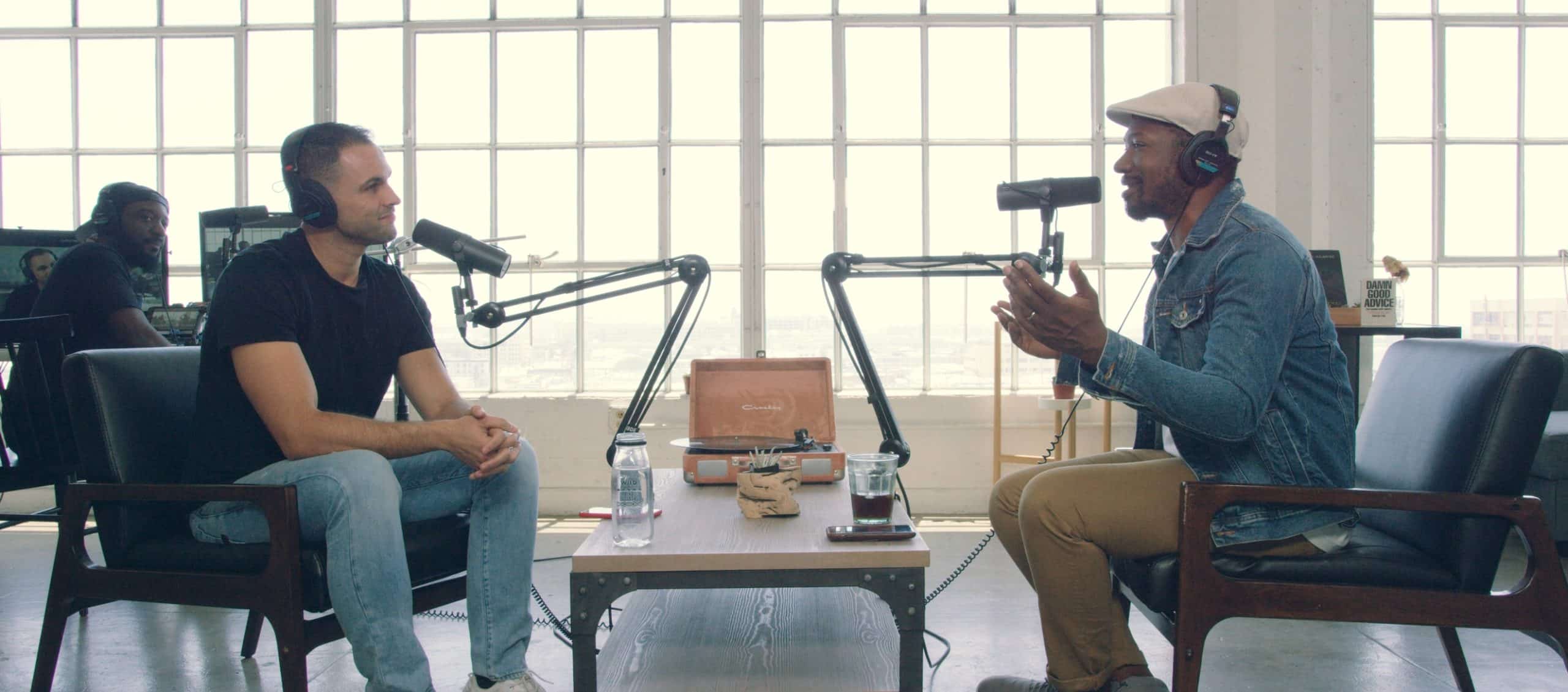


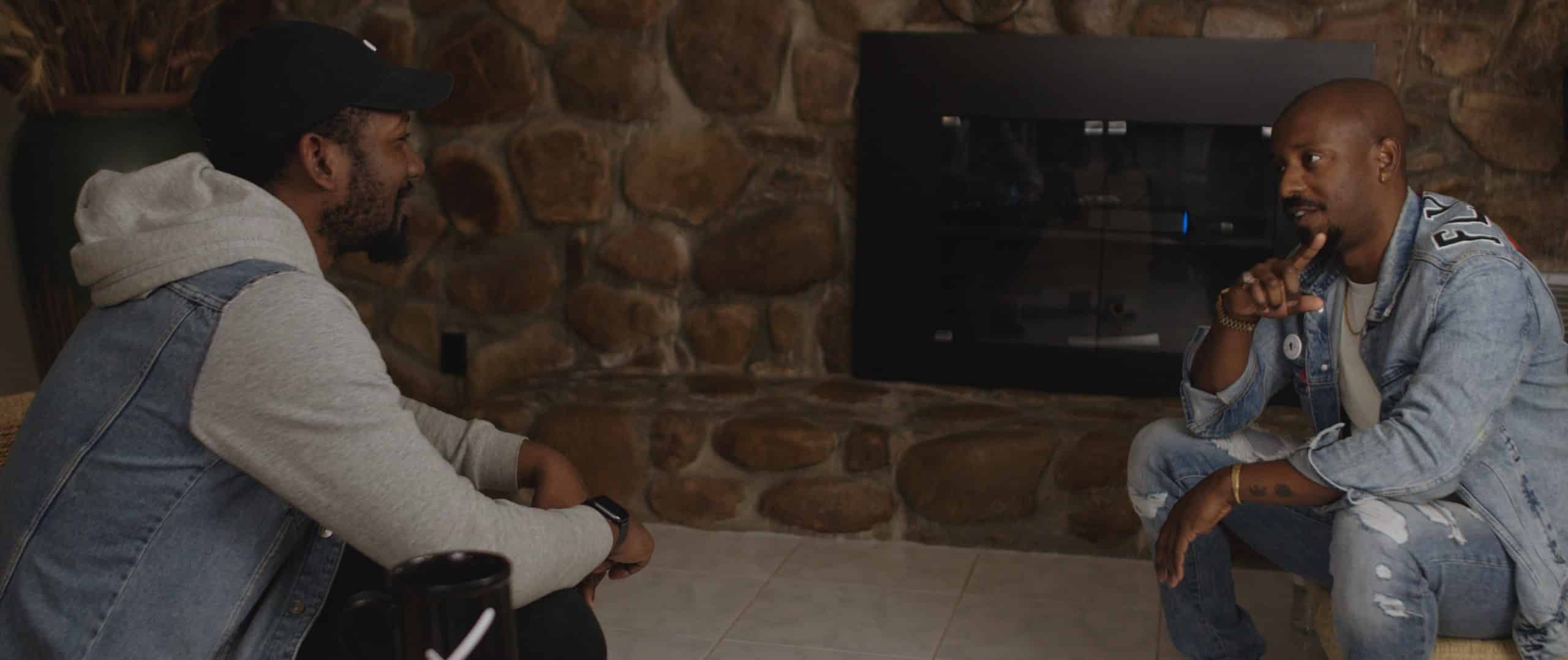


Podcasting Starter Guide
Podcasting is a great technology and allows anyone with an idea to easily get into the market. Where you take that podcast is on you. While there is no magic bullet for success, there are some tips that can get you started on the right foot.
- You must stick with it and make it fun for yourself. Start by knowing what your intent is from the beginning. Is it storytelling, giving advice, and educating or entertaining?
- You must deliver consistent content, so your audience knows when and what to expect from you. While most podcasts sound “improv” and off the cuff, the most successful podcasters spend many hours before each show planning and researching, writing, recording, and producing the show.
- Look for unique and random content. If you are hosting a guest, find the things we haven’t heard hundreds of times before. Dig deeper for the unexpected.
- Be realistic about your expectations. Keep them modest, as clinging to that “million-dollar idea” is sure to leave you disappointed.
- Listen to, and engage with other people who do podcasts. Learn from them, their content, and their quality and production.
The essential elements needed for podcast success
- Know your topic! Try to talk about things you know well and are passionate about. If you need more info on a particular topic, do the research and get up to speed. The great thing about recording a podcast is that you can cut in and out.
- Understand your audience. Know precisely who you are talking to—the more targeted your audience, the better. You will gain listeners and fans if they think you are talking directly to them about relevant things.
- Know your guests! Before the interview learns as much as you can about your guest. Mispronouncing a guest’s name is a big no. Find everything you can about the guest, and then chat before the show to find out if there are new passions, projects, or ideas that he or she would like to cover. And maybe taboo topics.
- During the podcast, help the guest out. Engage, and roll with where the conversation seems to be going. Try to keep it spontaneous.
- Listen! Master the art of listening- to your guests and your listeners. Solicit input from your listeners. What do they want to hear? What did they enjoy or not enjoy?
- Keep it tight! Listeners tend to drop off the longer podcasts. A good average length is 15 to 30 minutes. Leave them wanting more.
Pro-Tips: How to make a great podcast that thrives
Equipment: No need to blow thousands but get a decent microphone and headset; with a functioning laptop, you are good to go.
Content or Theme: As noted above, pick a theme you are passionate and knowledgeable about. Your interest and experience will shine through and convince people you are worth hearing.
Practice, practice, practice: Keep recording and keep learning and studying the other podcasters and people working on your topic on other platforms. You’ll get there.
SEO: This is a big one. Remember that iTunes and Google Podcasts are search engines. Try to pop in a few keywords in your podcast titles and descriptions to get a boost to your rankings and grow your audience. Keep it sounding organic and not forced.
Find great guests: Let’s face it, even you may get tired of the sound of your own voice. Network, research, do everything you can to find guests that your audience will find helpful and exciting. You may reciprocate by guesting for them. Search for bloggers in your space and reach out to see if they want to guest. Many are happy for the exposure and practice “off the written” page.
How to create killer podcast content
Your listeners tune in each week because you have what they want- content that is engaging, entertaining, or informative, and that consistently speaks directly to them and their needs. These are the listeners who will become your raving fans and help you build your following by sharing, commenting, and talking about you. That means the content is everything.
Here are some tips to keep your content interesting and relevant to your target:
- Your theme must be something you are passionate about. Talking about things that interest you will help you be authentic, and your interest in the topic will be evident and contagious. If you are bored, your listeners will know and will be too.
- Before you start your podcast, you will need a clear idea of your target audience. Many people identify an avatar representing one person who would embody all the qualities of your target- age, sex, geographic location, likes, dislikes, finance, pain points, interests. This will help you be specific and talk to “someone” vs. “everyone.” Your litmus test for content is then -“will this help him? entertain him? educate him? engage him?”
- People love stories. Tell a story that has a beginning, middle, and end. Remember the old story arc with setup, conflict, and resolution? It works. Take your reader on a journey.
- Give them a takeaway. Try to provide a next step that your listener can take as a result of your podcast. Make your podcasts actionable with steps they can take to get the result you talk about. This will keep them coming back.
- Focus! Do the work upfront and outline what you are going to talk about, and stay on track. Keep a loose outline or script to be sure you can stay on topic.
- Engage your listeners by asking questions or soliciting comments. People love a community, and this engagement invites them to meet new “friends” with similar interests.
- Choose your guest carefully. Many pop around the circuit now, but be careful not to have a guest just to add another voice. Your guest must be relevant to your topic and listener. A guest must also be knowledgeable about the issue and bring to the podcast an angle, perspective, or information that you don’t have. Make sure he or she can pull this off in an entertaining manner. Nobody wants to listen to a stiff.
- Perfect your audio. Nothing will sink your credibility and lose your audience faster than poor sounding audio. It distracts and even annoys and screams “amateur.”
- Lots of podcasters forget this next one. Tell your fans where to learn more. If you have a website, send them there. Otherwise, cite relevant videos, blogs, or websites that can add detail for those who want to take a deeper dive.
Don’t I need expensive equipment to make a podcast?
Be sure you have good equipment. Special tools for audio content are microphones, headphones, and audio editing software. No need to create an entire recording studio, but you should have quality equipment. And you will need an excellent hosting service such as SoundCloud, iTunes, Spotify, or YouTube. These are all free.
Are you ready?
You have the basics. Just get starting following these steps:
- Choose your topic
- Decide is you will have a co-host
- Pick a cool but relevant name for your podcast
- Nail down your format, length, and style.
- Get your equipment lines up
- Get going!
Get in on the podcast boom and start sharing your story today!
Need professional audio production? Explore C&I Studios audio engineering and mixing services.
How to boost branding on social media with video production
Boost Your Brand With Video on Social Media
Start using video on social media to boost your brand today! Video has emerged as an integral part of every major social media platform and is the most powerful asset for growing your brand. Video is the format of choice on Instagram, Pinterest, Twitter, and Facebook, while Tik Tok is a phenomenon of its own.
Why is video important to your brand?
Think about it. As a consumer, what do you find most consumable? Do you want to read a long block of copy and distill the info, or do you want to see it served up in a quick and creative video, with visuals to accent, illustrate or entertain? According to a recent Forbes Insights on the subject, almost 60% of senior executives are with you.
Stated simply, video is what consumers want. Social media is where people go for entertainment and education now, and in social media, video is king. Not quite convinced that you can boost your brand with video on social media? Let’s drill down a little further.
- There’s a reason you’ll see video content within seconds of logging onto a social media platform. That’s because social media performs the best with most of the algorithms because it captures the visitors’ attention for a longer time. This means the algorithm will boost the content to a broader audience. At the same time, most platforms are giving extra attention and boost to their newest video features. Video will also have a longer shelf life because it encourages more interactions, so it will stay relevant for longer. Keep this in mind when weighing out the investment of making a video. The ROI may ultimately be stronger than other investments.
- Video works across all channels now. According to the State of Online Video 2019 Research Report, in 2019, users spend an average of 6 hours and 48 minutes watching video online. And with COVID-19, the increase continues. This allows for the syndication of one video across many platforms and on your website, making your investment in a quality video an excellent investment and a mandatory asset for your brand.
- If your product and brand target a Gen Z audience, YouTube is your platform. According to a YouTube survey, 50% of millennials and Gen Z said they “couldn’t live” without video in their daily lives.
- Brands are about the promise and the people behind your product. There is no better way to humanize your product and introduce your brand personality and brand ethics than via video. Branding is about connections, and a video is a perfect bridge to your community.
Which social media platforms are best for boosting your brand?
How do you incorporate video marketing into your social media strategy? Video can be used in video marketing for various purposes, and this will help determine the type of video you’ll create and which platforms you’ll target. Video types range from the quick glimpse that Instagram provides more extended and more in-depth videos on YouTube or live-streaming Facebook, which has become very popular. Each has its own purpose.
Instagram is a great way to give a 60-second glimpse of a brand message, a new product, or a look behind the scenes at your people. Think out of the box, like using Hyperlapse to create a sped-up time-lapse of your products, process, or people.
YouTube is a great way to take a deeper dive. The longer format allows you to showcase your brand, tell your story, and connect in a more profound way. But remember, the first 10 seconds are critical. Push your best content out in the first 10 seconds to hook your audience and tell them why your brand matters to them. YouTube videos can then be embedded in social posts on other platforms like Facebook or Twitter.
Facebook Live is a super way to engage with your audience. It is very popular for showcasing product launches, new services, and events or special Q&A’s. According to Facebook, users comment ten times more on live videos than on regular videos, and 89% of people who have watched a Facebook Live have watched live streams from brands.
Pro Tip: If you are planning a Facebook Live, don’t forget to promote it! Let people know in advance across all of your channels, on your website, and to your email list.
What four types of videos are best to build small business brand recognition?
- Tell your story! People love a story, and the success of many small businesses have at their heart a good story. Create an introductory video that tells why you started your business. Were you solving a need that you experienced, was it to help your community, or was there another reason. Does your business have a non-profit partner that helps define your values or green practices that set you apart? A short 90-second video that tells your story is a great way to connect and get your brand on the map, and consumer solves them.
- Niche authority. Do you specialize in a niche market, making you an expert in a subject that consumers care about? Create content that shares your knowledge to help educate your audience and allow them to view you and your brand as trusted authorities in your area or niche.
- Share the love with your customers. Create a thank you video that shows appreciation for your clients and their loyalty. Let them know they are a part of your success and that you are grateful for the support and trust they place in you. This is one of the best ways to personalize your brand and deepen the connection you have with your customers.
- Let your customers speak for you! Social proof videos are a powerful way to show your potential clients why they can trust you and that your products rock. Let your customers speak for themselves in a social proof video that reflects their satisfaction and their trust in your brand. This is the ideal format for a small business that is building a brand.
Can you create social media video on a budget?
There are many ways to create a compelling social media video without breaking the bank. You may work with a full-service video agency like C&I Studios to manage your project from concept to production and even into promotion, or you may work with them for parts of the process. Even if you’re ready to go full DIY, here are some ideas for controlling video production costs.
- Keep it real! Do a live video. No need for high production or fancy equipment. Some of the most popular videos are made directly from a smartphone. People like the informal connection and feel they are getting to know the brand and its people. Show a behind-the-curtain look at your brand and your people or provide a sneak peek at a new product that’s coming soon. Go live on Facebook and answer questions or demo a new product.
- Let your happy customers speak for you. You’d be surprised at how many of your satisfied customers would love to share a video of themselves showing their satisfaction with the product. We all want our 5 minutes of fame! User-generated content has been shown to be most effective in making someone likely to buy. You can record them on Zoom, record them on-site or ask them to send in their own video.
- ‘This the season. Take advantage of the season to freshen up your message and content. Take advantage of a snowy backdrop or the spring brooks running. Record from your favorite hiking trail. Catch their attention by bringing them into your world.
- Bring your team into the act. Help your customers see what mission and people they are supporting when they support your product. Invite your employees to participate. Some examples: A Q&A with one of your senior employees, behind the scenes tour by one of your employees, or fun videos of your team cutting loose.
It’s time to push through the fear and get your social media video produced. Once you have made your video, be sure to share it with your followers across all of your platforms. The video will have to be curated for specific platforms, but you will have created one of your most important assets, which will boost your brand on social media and your website.
Need professional branding? View C&I Studios branding and graphic design services.
How To Shoot a Music Video Like a Pro
Amazing Tips on How to Shoot a Music Video
Ready to shoot a music video? Music videos are critical for musicians to showcase their music and a great way for dipping your toe in the video production business. They allow a videographer to tell a story in a punchy and direct way and can allow tremendous creative opportunities for a filmmaker. Read on to learn the basic techniques to shoot a music video and some pro tips to create a fantastic production. Whether you are shooting your own music video or ding it for an artist, there are lots of tips that will help you deliver an amazing music video.
Developing your concept
A strong and compelling concept is critical to every video production. But remember, when making a music video you are creating an expression of the musician as well as your own. They may have a very strong vision of what the song means and how they want the story told. Collaboration is everything and your concept must be aligned with the song and the artist. Be ready to hear the artist’s vision and ideas, and bring some of your own. Some artists will rely upon your totally to concept the video. Your goal is to elevate the viewer and listener’s experience of the song. Don’t let your creativity get in the way of the song and back up your concept with a solid production plan.
There are several options for shooting a music video. Here are some of the top techniques that will help you make a cool and stylish video. Using a set location is basic and does not have to be boring! It also is creatively flexible since you are not worried about control of lighting, weather, parking, or more.
Many like to work with the “one take” method. This may seem tricky but it can be super effective and will save tons of post-production time and sometimes works best for the song. Another option is a thematic short film. You don’t have to be Beyonce to use this technique and can put together a sort of film about the music.
For the most creative, a home video option can work. You can work with video you have already, or create new footage that looks like it is archived footage, or even retrogrades your footage to make it look like an older format.
Write your music video script
Every videographer approaches a music video project in a different way. It all starts with the song. Listen to it again and again, break down the lyrics and think about the narrative and the tone. Is it a love song, is it about loss or fear, or joy? That will help you set the tone for your video. Think about every element of the song. Will you include a performance of the song in s studio or will it be more of an accompaniment to the song?
Create a script template that tracks your audio, or lyrics in one column and the visuals in the other. Here is where you will track any ideas you have on what you want onscreen and how you will illustrate or support the song visually. Be as detailed as possible with your script and it will be a great template for your client and your crew to ensure everyone is on the same page.
Break down your script
Once your music video script is done, break down the script by listing out everything you will need for the shoot. This will include video equipment, props, locations, and talent. Being detailed and specific here is the key to formulating a budget and a timeline. Regardless of the scope and size of your production, this will be the backbone of your planning and your production schedule.
Work through your shooting style. Music videos are often less traditional in terms of filmmaking guidelines and standards. This is most evident in shooting styles and transitions. Think about your style and tone, and how it will help tell the story of your song. Camera angles, transitions, and special effects all come into play when planning and shooting a music video. Music videos range from traditional to the very cutting edge. Pick your lane early and be sure you have consensus from all involved.
Create a storyboard and shot list
Once you have your concept a storyboard follows. This invaluable tool will help you make solid plans for your shoot. Brainstorm with the artist, your team (if you have one) and talk about the theme, the flow of the story, shots, and other important decisions like locations. Create a shot by shot storyboard that you can use as a reference when scheduling and executing the shoot.
Your production schedule
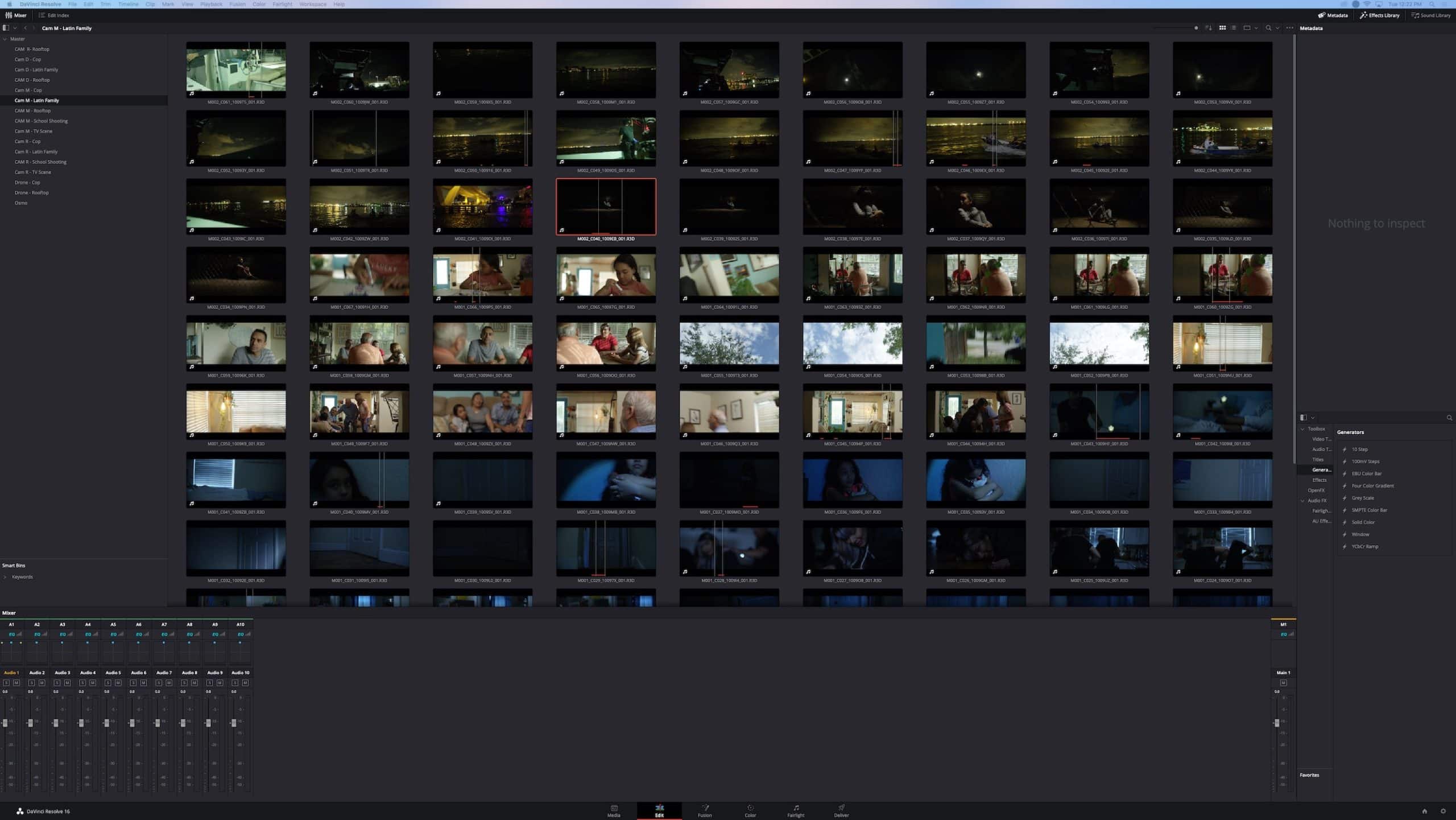
Your video production schedule will include pre-production, which is basically your planning stage. That includes conceptualizing, scripting, storyboarding, and coordination of all aspects of the shoot. It will also include production, which is when you are actually shooting. And finally, there’s the critical post-production phase which includes sound edit and mix, film editing, and more. For each minute in a song, you may spend well over 2 – 8 hours shooting, editing, and finishing the video. Create a production schedule that includes each of these steps and who will be involved.
Pro Tips to keep it low budget!
For most musicians, there’s not a lot of dough leftover for a high budget video. But you will need it to successfully promote your video. You may be willing and able to spend thousands on a slick music video, but that is not the case for most of us. And artist after the artist has proven that it’s just not necessary to break the bank to successfully shoot a video. Here are some tips to keep you on track (and on a budget!)
Recruit your pals.
People love to be involved in shooting videos. You may have friends with some video talent or experience, but maybe you’re just shooting with a smartphone. Bring in your friends to helo with the filming, props, or maybe to add another smartphone and new shot angles and more choices when you are editing. Need an audience? Reach out on social media to your buddies and voila! Want to use a beach house? Everyone knows someone. Tell your friends you are throwing a party while you shoot your music video in the background and they’ll show up/1
Be efficient with time
Whether you are relying upon your friends to help, hiring professionals, or renting equipment, you will want to work quickly. This is where a tight storyboard and shot list will be valuable. Try to plan a shoot that is no longer than 4 -6 hours including set up and breakdown.
Pick a single location
There are lots to think about when shooting a video production, especially if you are on camera or behind the camera. So make it as simple as possible for the lighting, travel, set up, and crew by using a single location. Maybe you are going to the studio, or staying local. There are thousands of local locations. Try to see them with a new eye as you scout locations. This will help you maximize the best light, minimize set up, travel time, and costs.
There are tons of free locations. Think out of the box. You’ll be surprised by how happy people may be to have you use their location, or how easy it may be to get the use of an empty theater, or museum. Look around for public spots, looking for interesting visual elements or themes that resonate with the song. Caution: Ask the city or location if you can shoot a video. They sometimes require licensing and insurance so check before you shoot.
Find interesting visual elements
Think about an interesting visual element that will add interest. You walking across an empty stage before the music starts, empty theatre seats, or dancing. Think it through before you start the shoot and now how each move matches up to the song.
When you are ready to create your masterpiece, be sure your concept is solid and understood by everyone involved. Your production should allow for the unexpected but be very specific. Shoots lots of footage so you have plenty of options in postproduction. And enjoy!
If you are not ready to take on shooting a music video yet, bring your ideas and music to a full-service video agency like C&I Studios.
12 Pre-production Tips to Make Killer Videos
Planning is critical when it comes to video production. There are three stages to video production – pre-production, production, and post-production. Pre-production is where all of the planning occurs, which is often more essential than the actual shooting and production. Nothing is more critical to creating a killer video than proper planning during the pre-production phase. Pre-production is where you lock in the script, plan the shoot and locations, establish the budget and production schedules, hire crew and cast, arrange for equipment, permitting and insurance, and every other detail of the video.
Before the cameras roll, plan, plan, and plan some more.
Here are our 12 pro tips to make sure you avoid common pre-production challenges and maximize the ROI on your video. Poor planning or lack of planning can take you over budget and put you behind schedule. Even worse, you can spend time producing a video that lacks purpose or goal. Hiring an agency is one way to avoid these common mistakes.
Here are some pro tips, whether you are working with an agency or going it alone.
1. Make a planning checklist for yourself. The best way to stay on task and cover all of your bases is to create a checklist of all the pre-production tasks you will use repeatedly. Here are some items that should make your list:
- Finalize the script and budget
- Hire your crew
- Hire your talent
- Create a storyboard
- Choose and secure locations.
- Get any permits or insurance required.
- Create a shot list
- Choose all the gear needed.
- Schedule the shoot
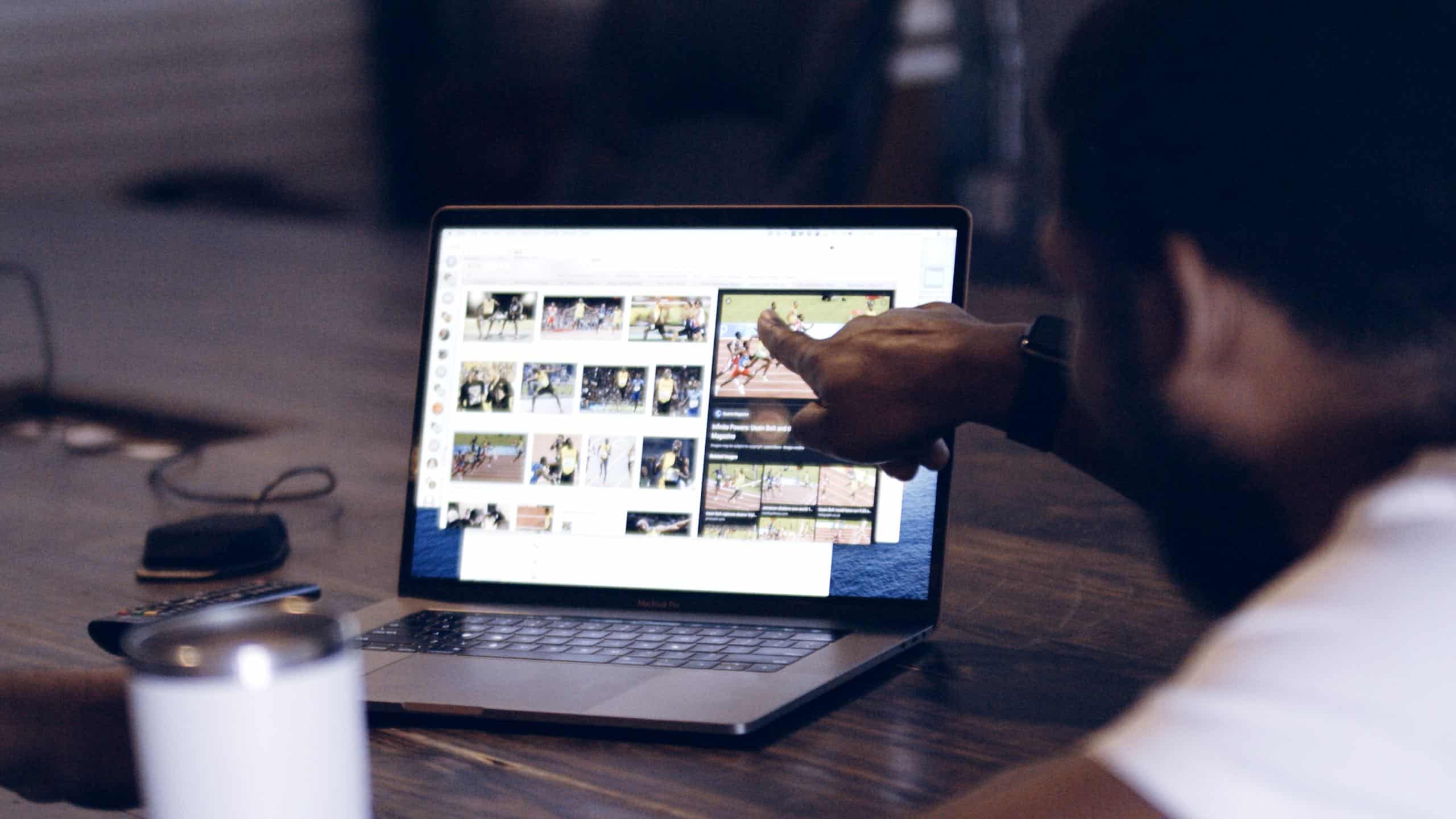
2. Clearly articulate the goal of the video. Every video has a business objective. Understand your goal for this video. You may want to drive traffic to your landing page, build awareness of your brand, or introduce a new product, sell a product to new clients or existing clients, or drive visits to your store. Be sure you know the primary goal of this video and how you will measure its success. Don’t do a video for the sake of having a video. It must work for you and your current business challenge or opportunity, and you will need to clearly articulate that goal to everyone working on the project.
3. Narrow down your audience to a specific avatar or persona. Marketing is about communicating with a specific audience about how you or your product can solve a specific problem for them. The more you can narrow down your audience, the more precisely and more authentically you’ll be able to speak with them. Use research to focus on one key demographic, so you can create a video that speaks directly to them and their felt need. Remember, when you try to speak to everyone, sometimes you speak to no one. Be targeted and ask yourself why this target needs or cares about your product.
4. Hone your message until it is clear and concise. Try to be specific about what problem you are trying to solve. List out what you need to tell your viewer and what you want them to do as a result of watching your video. Including multiple messages often will dilute all messaging, so focus and limit your key points to three of four.
5. Frontload your best content into the first 8 seconds. Get to the point1 Eight seconds is the average attention span of an internet user. You need to immediately grab their attention quickly by leading with your best content. They should know within a few seconds why your video matters to them.
6. Scout your location ahead of time. Scout out our locations before finalizing your production schedule. Visit your locations at various times of the day to optimize lighting and observe any distractions like planes flying overhead. Take the time to check logistics like parking and restrooms to avoid disasters on the shoot day.
7. Create a storyboard and treatment. The storyboard is where your big idea comes together. A storyboard is simply a sketch of your video, showing each shot. You should have a “treatment,” which is a one-page summary outlining the video style and tone and the concept of “big idea.” A storyboard will outline each section of the video. This is where you will determine things like whether you’ll use voiceover, animation, actors, music or sound effects, locations, and more. You’ll determine the style, length, and video structure. You will illustrate three components – script and narration, what is on-screen, and any supporting elements like special effects, sound, branding, or text. Your storyboard is a valuable tool for planning and sharing your vision and plan with everyone involved.
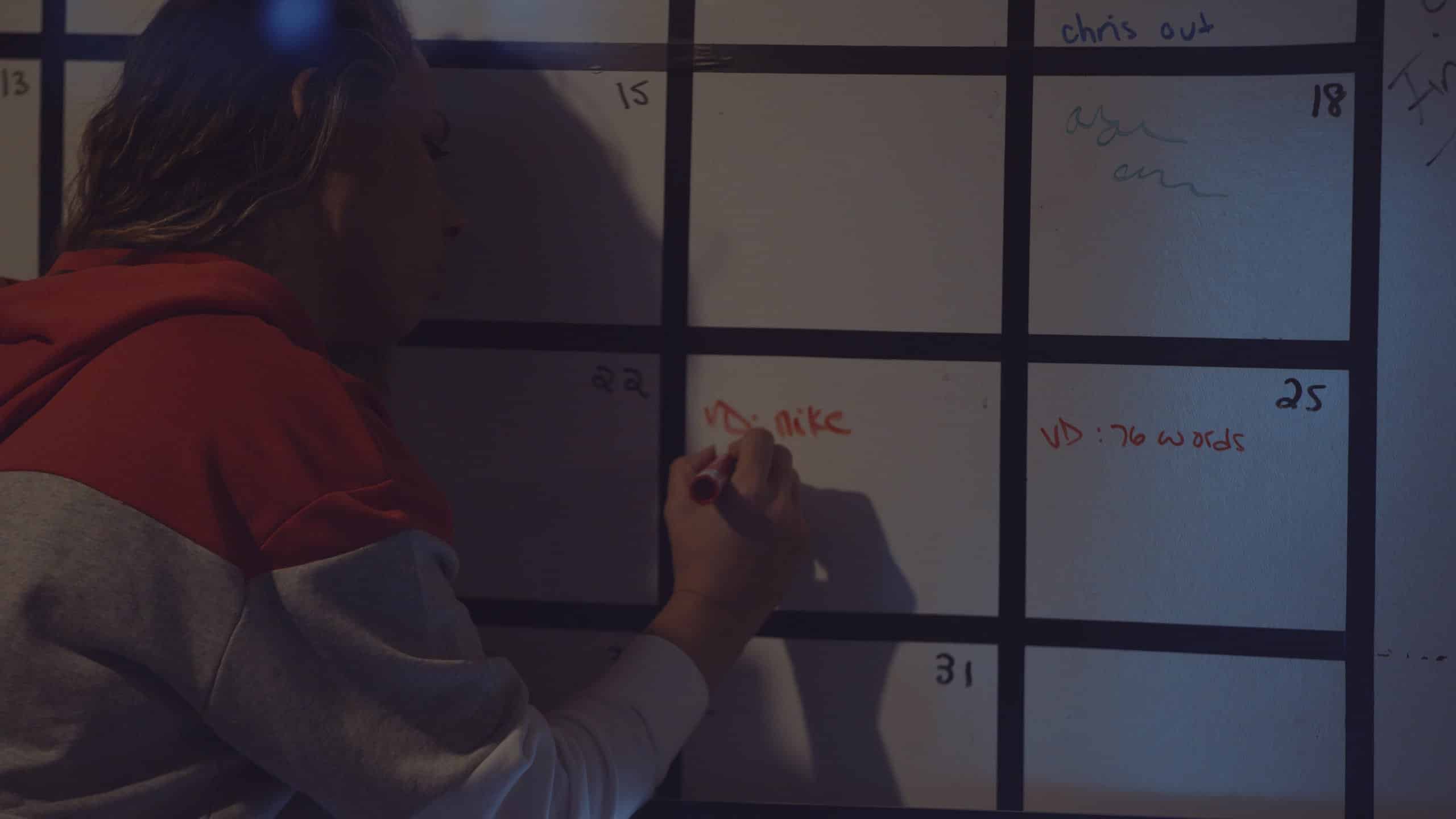
8. Prepare a shot list and lighting diagram. A shortlist helps you break down your storyboard. Once you have determined your shot list, you can plan things like camera angle and lighting. A well-planned shot list can save hours in the editing room or on the day of the shoot while expensive talent sits around. This is an excellent time to create a lighting diagram to plan camera placement, lighting, and talent placement.
9. Select the right length for your video. Videos vary in length, which is sometimes determined by the platform the video will appear. In general, attention spans are short, and shorter videos are better. Usually, one or two minutes are maximum. YouTube ads run for 30 to 60 seconds, while YouTube videos are 8 to 10 minutes. TV commercials are between 60 and 90 seconds. You need to keep your video tight, focused, and clear but still make it long enough to convey your message.
10. Create a production schedule- but overestimate the time you’ll need. A production schedule tells you where and when each scene will be filmed. Include in your schedule what crew and cast will be required, script pages, and projected time needed. Always overestimate the time required. Production will always take longer than you think!
11. Pre-interview your subjects. If you’re filming an interview, don’t go off the cuff. Speak with the subject ahead of time and have them answer the questions you’ll be asking. This step will help make them more comfortable and give better answers. Take notes on their answers so that you can prompt them if they get off track or nervous.
12. Be flexible – Remember Murphy’s Law. Thinks will go wrong. Rule number one in video shooting is to stay flexible. Regardless of how well you plan, things will change. The weather may not cooperate, the talent may be off, or gear malfunctions. Shoots are unpredictable, so accept that and roll with it!
You can create fantastic video content that will speak to your audience. Invest the time and thought in the pre-production phase to get great results and avoid production challenges.
When you’re ready to make your video, consider a full-service agency like C&I Studios. Take advantage of our tips so you are prepared to participate in the pre-planning that will help you bring a killer video to life that will serve your business goals and delight your target audience.
How to plan video production during Covid-19
Your guide to video production planning during Covid-19
Proper video production planning will guarantee that you have the right content for the right target and meet your marketing goals. Excellent video production planning starts with clearly defining your objectives and understanding your target audience. This will help you craft the perfect message for your video project. In these times of Covid-19 we all want to ensure the safety of our production team and crew. Our guide to video production takes you step-by-step through planning and creating the ideal video, with special guidelines for production during Covid-19.
Precautions to take in your video production planning during the Covid-19 outbreak.
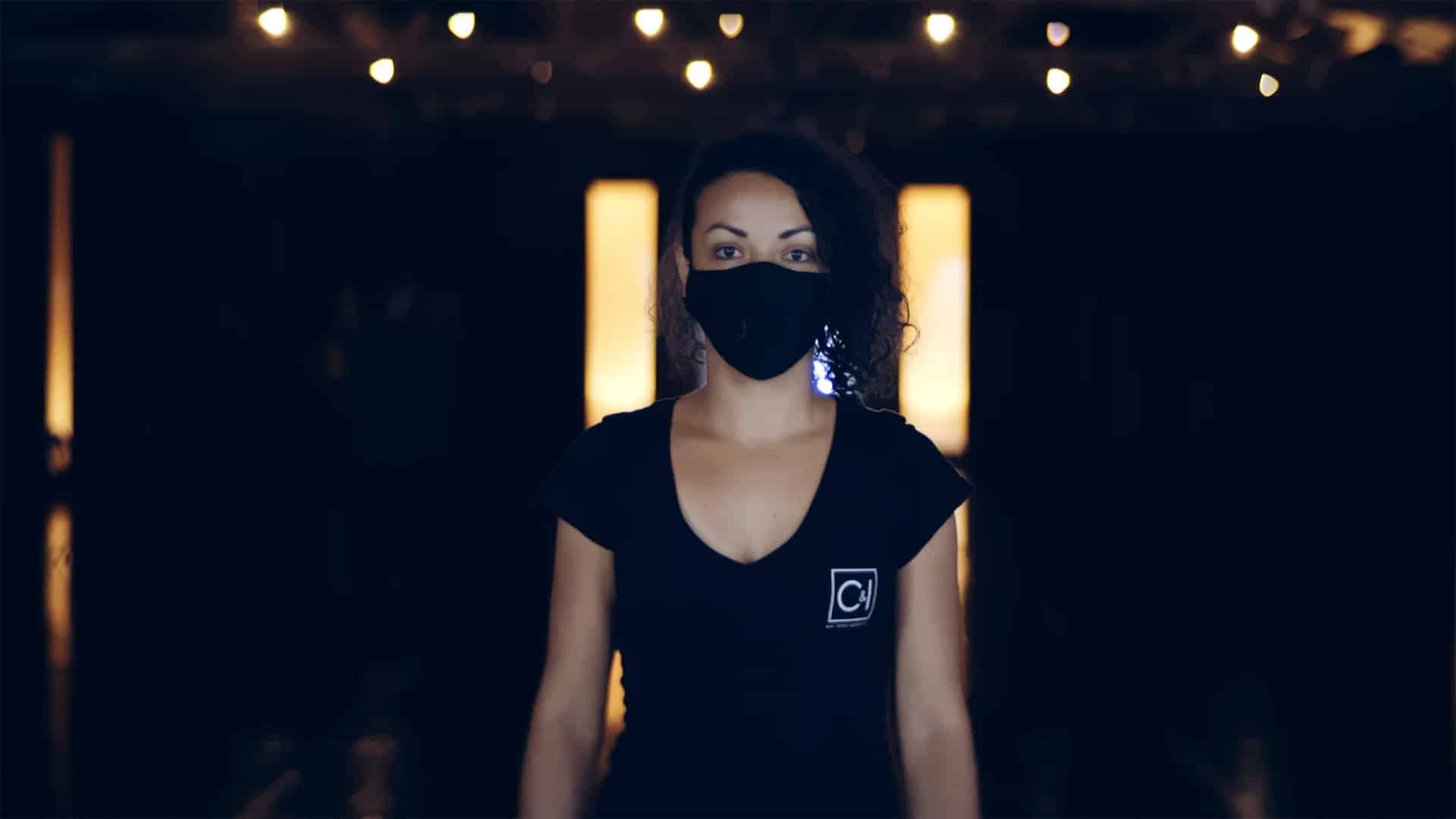
Safety first! It is possible to create great video content while still keeping yourself and your crew safe from Covid-19. You want to set a great example for your clients and for your crew and minimize any liability you may have.
Here are our top tips for video planning during Covid-19:
- Have a Covid-19 brief with your entire team. Be sure they have been tested and can recognize the signs of Covid-19 and agree to follow all safety protocols.
- Masks! Local regulations vary from state to state and even within states. Model best practices by wearing masks at all times! But what about those in front of the camera? Try to shoot outside, keep the group shots small, keeping to maybe 2 or 3 people.
- Wear gloves when possible and bring extra gloves and masks for the team.
- Be sure to bring what you’ll need to disinfect all equipment after a shoot. This includes cameras, tripods, microphones, and lenses.
- Be sure to wash all of your clothes worn on the shoot immediately upon returning home.
- Keep your onsite crews small. Try to stagger the talent so they are not onset at the same time.
- If any of your crew are in high-risk situations or areas, they must self-quarantine for two weeks.
- Use remote-controlled cameras when possible.
- Consider the use of remote talent, directed by video call! Ship any props or wardrobe to the talent, and have your director talk through lighting, sound and background settings with them in advance.
- Don’t overlook the effectiveness of user-generated content. There is lots of good stuff out there.
- Limit travel to locations as much as possible. Keep the teams small and be sure they are committed to best practices.
The bottom line is we can safely keep the cameras rolling during Covid-19 but we bear the responsibility to follow safety guidelines and go the extra mile to keep our teams safe!
Pro Tips and stats
Video content is more important every year. Whether the platform is YouTube, Instagram. Facebook, or your website, consumers love video. Check out these stats:
- Even emails that have “video” in the subject line get a lift in open rates.
- By 2022, video is expected to make up more than 82% of all consumer traffic.
- YouTube traffic is second only to Google
- Over 80% of businesses use video in their marketing.
What are you waiting for? It’s time to dive in, but here are some insights and pro tips for video marketing. Planning is everything. Pre-production is the most critical part of a video project and the foundation of your video. All must understand the vision for the project, as well as the goals and budget.
Be clear about your goals.
A good video starts with a clear vision of the objective of the project. The more specific you can be, the better. Every bit of content has the ultimate objective. The purpose may be to introduce your brand, announce a promo, or build your brand. Try to make the goals for the project detailed, measurable, realistic, and time-bound. Thinking about what business problem you are trying to solve with the project is the best place to start. What will be your measure of success? It may be units sold, visitors to the site, sign-ups, or anything else that can be measured.
Getting to know your audience
All customers are not alike, which means they may not all want to see the same content. Take advantage of Google analytics and sales insight to develop customer avatars or personas. This will define your audience and inform your marketing decisions. The more narrow your target, the better you can target and speak specifically to them in a relevant way. Remember, when you try to talk to everyone, sometimes you reach no one. Your goal is to create content that appeals to and engages your most valuable audience. What is their pain point? What will they relate to? How can you make them take action?
Hone your message
Make your message as clear and concise as possible. Again, don’t try to tell everything in one video. Choose the one message that best serves the goal of this specific video. Are you selling a specific product, trying to send viewers to your site, or introducing your brand. Don’t underestimate your viewer and assume you need to explain every little detail in a preamble. Start the story in the middle getting right to the meat. Focus on the “why” of your product or service. Why does it matter to the viewer? What’s in it for him? Most important, be clear on what you want the viewer to do after watching the video. Be sure to tell them by including a prominent call to action.
Be realistic about your budget.
The more specific you are about the video’s goal, the easier it will be to set your budget. This needs to be done early on. You do not want to produce a low-quality video that represents your brand poorly. So be realistic, and stick with your budget. A good production company will develop concepts that meet your goals but still stay within your budget.
What now? Create a strategy for your video content
Every video needs a strategy behind it. This includes whether you produce it in-house or externally, how you will distribute it and where you can repurpose it and use it across multiple platforms.
Write your video production brief.
Summarize all of the items above in a video production brief. Like any creative brief, it will include your objectives, target audience, what you want from the audience, your messaging, and budget.
Develop your creative concept
How can you best convey your message? This is the idea or concept for your video. It will usually come from your creative team or outside agency once they know the project objectives.
The perfect script
A compelling script should be transparent and feel honest. It should establish you as an expert and your brand as trustworthy, so don’t overstate or use hyperbole. The creative approach or concept will inform the script. Above all, stove to be genuine, authentic, engaging, and concise.
The Storyboard
A storyboard is a great way for all involved to visualize a project. It is merely a sequence of images or drawings that show the shots that will make up your video. It will be a great tool in helping plan the shoot, establish the budget, and create your schedule. You’ll be thinking about locations, shots, lighting, and more.
Load your best 8 seconds first. The average attention span and many viewers will not stick with you. So try to frontload your most important and most engaging content to pull in the viewer. And choose the right length based on video purpose and platform. Shorter videos have better engagement. Videos of less than 60 seconds have a 68% chance of being viewed to the end, while a video over 20 minutes will only hold 25% of viewers.
Plan the shoot
The storyboard is your first step in creating a shot list for every scene. Your list will be a detailed schedule of locations, camera shots and angles, lighting, actors, special effects, and more. This is your blueprint, and pre-planning is essential to keeping you on track, on budget, and on schedule.
Your list might include:
Scene number, shot number, locations, shot descriptions, action and dialogue, props, and other notes. Your production schedule can be developed from this. Your production schedule will contain everything about your shoot and needs to be maintained and updated each day.
Post-production work
Once the shoot is completed, editing begins. Your editor will pare down hours of footage to the best final takes. They may also use B-roll to supplement their shots. The editing includes audio mix and soundtrack, voiceovers, and any special effects.
Analytics
An often overlooked step is setting up analytics and analyzing the results. Set up your analytic tools and check them on an ongoing basis. This is an opportunity to adjust and revise for the next time or add or reduce spending on the distribution.
Video is the fastest growing online marketing. Consider adding it to your marketing mix today. Speak with a full-service agency like C&I Studios to see how they can help you plan your video production and integrate it into your marketing plan.
Facebook Video Marketing – All You Need to Know!
Marketing with videos on Facebook is a great way to grab your target audience with dynamic and engaging content. Facebook video has a daily audience of over 500 million people, making it second only to YouTube. Over 62% of viewers completely consume a video.
Why Use Facebook Video Marketing?
Facebook video ads are an extremely effective marketing tool. Audiences love video. Facebook has over 2.3 billion active users monthly, and according to Facebook, Facebook users watch billions of hours of video each day. There’s an excellent chance your audience is there. Facebook videos are a great way to connect and engage with them, build your brand, introduce new products or services, or promote special offers.
Video ads engage your users better than any other kind of ad. HubSpot says that 54% of users want to see more video content from a brand or business they support and are 85% more likely to purchase after viewing a product video. Compare this to the fact that people typically only read less than 28% of your site’s words. People prefer watching a video to reading.
Facebook video ads are also likely to be shared, driving word of mouth and organic reach. These are two of the most effective and authentic ways to promote your brand.


Choosing your custom audience for Facebook video marketing
As with any marketing, you want to reach the right audience with the right content. This is the best way to maintain relevance and optimize your ads. The custom audience feature lets you identify the people you target by choosing a geographic location, which is excellent for a small business. You can also choose demographic info such as age range, relationship status, gender, and education. This data helps you serve up your ad to people who look like your customer avatars or persona.
A huge advantage of Facebook is the ability to target based on likes and interests, based on the pages and groups they engage with. For example, if your product is athletic wear, look for people in yoga groups, spin groups, etc. Purchase history can also be beneficial as you hone in on targeting your ideal buyer or customer.
Retargeting
Not all of your custom audience will engage with your video or view in the same way.
Retargeting allows you to reach out to customers who have shown interest in your product by watching your video. Someone who has “viewed” your video is someone who has watched at least three seconds of the video, as opposed to someone who has “completed” or watched 95% of the video.
Top Facebook Video Marketing Strategies
Choosing the right kind of video content is essential. There are many types of videos. Here are a few of the most common.
Harness the power of user-generated content, which can be some of the most effective and budget-friendly available. In these days of full transparency, social proof is everything. Let your satisfied customers do the job for you. A great testimonial is authentic and allows the customers to see your product being used. Many clients are happy to be showcased and will be thrilled to capture their thoughts on the video. Just ask!
Product Feature – A showcase of a product can help your client have confidence in your product. It can show them the product in use and answer any questions more clearly than words can often do. You could do this infomercial style, a demo, or a showcase of the product.
Tutorial – If you are deeper down the funnel, a tutorial can be an excellent tool. You can use Facebook video to demonstrate how your product works and what problems it solved. The show, don’t tell.
Think Mobile!!
Formatting your video correctly is essential. Over 65% of video views on Facebook are from mobile devices. Smartphone users view the video in vertical 94% of the time! Create videos that work in both portrait or landscape and try to give your customers a full-screen experience on any device.
Tell them what to do!
Your Facebook video marketing always has a specific objective. Marketing 101 tells us to always include a call to action. Tell the viewer what you want him to do. You may want to drive them to your site, purchase an offer, or share with friends. Regardless of the call to action, it should be included in the text in your video and included in the video itself wherever it makes sense. It can be a voiceover, part of the script, or text at the end of the video. Make it work within our creative concept.
Size matters. Pick the right length video.
Attention spans continue to shrink. Therefore, it’s imperative that your video is concise and to the point. Facebook videos can be from 1 second to 240 minutes long. Usually, videos run between 15 and 60 seconds to keep them digestible but useful. You can convey your message in that timeframe with a carefully crafted message and proper video structure.
Work through the funnel.
Facebook video marketing can work for any stage of the sales funnel. You can create content that works for any stage of the sales funnel, but it will be different at any stage. Using retargeting, you can follow the customer journey through awareness, consideration, and conversion and offer the most relevant ads at any stage. They will have different interests and needs, so build your content to pull them through the sales process and fully illustrate your brand. Sequencing your ads will make them work the hardest for you.
Know your objective right up front and how you will measure success
The first and most important element of Facebook video marketing is to be clear on your video’s objective. Facebook will ask you for the objective. You should have this established before you do anything. Depending upon where you are in the funnel, some common objectives are traffic building, band awareness, reach, engagement, lead generation, sales, or store visits.
What makes a successful Facebook video ad?
Viewers engage differently with Facebook video marketing than a static ad. A good video will leverage the attention to create winning ads.
Here are a few tips:
- Hook your viewer quickly. You will likely not capture more than 60 seconds of the viewer’s attention, and the first 4-6 seconds are pivotal. Frontload the good stuff. Your opening must be attention-grabbing and interesting. Put your most important information upfront and keep it concise and clear. Show the viewer what’s in it for them right away. Don’t try to include everything and try to make the video feel personal to make a connection. Some good hooks – Ask a question, address a common problem, use humor, or surprise the viewer.
- Tell a story. Storytelling makes your brand relatable and established authenticity. This is your chance to show your brand personality and that you are trustworthy. Use colors, tone, imagery, and music to capture emotions and connect.
- Use captions! Make your video work without sound and with sound. Your video starts playing as soon as the user scrolls past it, and Facebook says 85% of videos are played without sound. So, use your visuals as well as captions to stop users from scrolling and watch. This will increase your viewership. Be sure your opening includes appealing text to hook your viewer and stop the scrolling.
- Always be sure to include a text tagline that can help reinforce your brand and push conversion. “Visit our site to get this week’s special” or “Get Yours Now!” are examples of clear calls to action that will drive conversion.
Ready to get started? Facebook video marketing should be an integral part of your marketing and can be easier than you think. Reach out to a full-service agency like C&I Studios to start building your Facebook video library today.
Ready to level up your video marketing? C&I Studios video production + social media marketing drive real results for brands.
10 Pro Tips to Using Video in Social Media Marketing
Video content is now one of the most important elements of social media marketing.
Over 85% of businesses use videos in their marketing. Great video content is critical to your marketing strategy and is one of the best opportunities in marketing today. Video content is used in brand building, selling a product or service, building trust, engaging your audience, and expanding your audience.
Why is video content so important in social media marketing?
Video content helps brands reach new audiences and engage with their general audiences in a new way. Videos offer the chance to tell a story, and we all love stories. Communicating via story helps build an emotional connection and conveys your message in a way that is easy to consume and often entertaining and informative. This means your consumer is much more likely to stick with your content.
Video content is known to have an excellent return on investment, which is why marketers love it. Hubspot research says that 88% of video marketers reported positive ROI from their video campaigns and those returns continue to improve. It’s simpler than ever to create and share video content, making it a marketer’s favorite. Video content allows a brand to show who they are and what they stand for, showing their personality.
Data is king, and using video on social media allows a brand to quickly access powerful analytics with insights and data that can be turned into actionable information. A viewer who consumed 25% of the video can receive a different follow up messaging than one who watched the entire video. Video also makes it simple to test various messages, tones, and styles.
How can social media videos be used?
There are numerous types of video content. Most fall into the buckets of demos, brand awareness, testimonials, live videos, or promotional videos. Brand videos are often found on brand websites and are designed to introduce the brand and its mission in an engaging and concise way. They are also used in social media campaigns.
Live videos are very useful in establishing trust with target audiences. You’ll find them on Instagram, Snapchat, Facebook, and other platforms where they are easily shared with massive audiences. They can be a simple product demo, Q&A’s or special offers and announcements.
Social proof is everything, making testimonials particularly effective. Brands can boost their credibility and conversions by sharing the words and images of their raving fans.
To harness the strength and power of social media, you must start with a strategy. What is the goal of your campaign? Be clear on the results you’re looking for, such as driving people to the website, engaging with consumers to develop your rapport, selling products, or building your brand. Your video strategy must be aligned with all of your other marketing, including your website.

10 Pro Tips to Using Video in Social Media Marketing
1 – Video is the hook!
Video is super consumable and makes the perfect tool to draw in your consumers. There is a plethora of content on the internet, and video competes well in pulling in the attention of your target. Let your viewer know what your video’s purpose is right up front, then add digestible bits of content that are long enough to keep their attention and make a point, but short enough to keep them on and wanting more.
2 – Optimize your video for search engines
Like all content, your videos must be optimized for search engines. Create compelling headlines with keywords that will get search activity. Provide a great description of your video so it will get indexed and use relevant hashtags. Use Twitter’s analytics to help you with demographics and create hashtags that will boost you across YouTube and Facebook.
3 – Be clear on your call to action
Every video needs to be based on a clear marketing goal. Think about the action you want from the viewer. Some common video goals are driving visitors to your website, selling a product, or getting the viewer to share your video. If they have viewed your video, tell them what to do next. “For more information, visit here.” And double-check your links. If you are selling a product, consider using a dedicated sales page or landing page.
4 – Make your messaging precise and focused
Be precise in your messaging. A video that is focused on one core message and one goal will work harder than a video that tries to cover too much. If any part of your messaging does not support your call to action, consider removing it.
5 – Leverage trending topics
Relevance is critical in the social media space. Incorporate trending topics to up your relevance. Think of hashtags that are trending, timely topics, and find a way to weave them into your messaging and hashtags. Take advantage of the news and consumer behavior. Become part of the social conversation.
6 – Share time-sensitive info
Video is a great way to share news about your company and new products and services or promotions. Video can quickly demonstrate and explain your offers in a consumer-friendly and entertaining way and can be easily shared across multiple platforms and your website.
7 – Brand is everything- be consistent
Branding is everything. Be sure to be aligned with your brand presence on all other channels in terms of graphics, messaging, and imagery. Consider watermarking your videos with your brand logo for maximum brand exposure.
8 – Let your video quality speak for your brand
If you are going to create a video, do it right! A video of low quality will speak volumes about your brand. Bad sound or picture quality or poor acting can create a poor brand association and tank your brand image, Watch for background noise, low resolution, and other signs of poor quality.
9 – Pull back the curtain and personalize your brand
Videos in social media marketing are an excellent opportunity for you to showcase your people and products. Humanize your business by showing behind the scenes and create brand familiarity. Let your view take a peek behind the curtain to establish rapport.
10 – Learn by doing – Track, analyze and regroup
In marketing, sometimes we knock it out of the park, and sometimes we don’t. The “win” of social media marketing is that we don’t have to guess. Use your analytics to see what is working and what is not. Analyze your results, learn from them, adjust your messaging and imagery, and try again. Find out what works, and do that!
Social media basics
Video content makes up more of all traffic each year. It is well over 80% now. Videos in your social media marketing are critical. Put in the effort to do it right. Here are some video basics to keep in mind:
- Size matter. Social media sites have varying sizes for uploading. Twitter is 506X 254, while Pinterest is best at 737 wide and any height. Check the dimensions and aspect ratios for the platforms you are using.
- Think about where your visitors are and remember to focus on mobile and desktop. Don’t use small elements in your video, such as small text.
- Frames per second. Over 60 frames per second are acceptable but keep in mind file size, which could perform slowly.
- It’s all about the lighting and audio. Don’t make your viewer strain to understand. They will move on.
- Length is important. Here are Hubspot’s recommendations for video length by platform
- Facebook – 1 minute
- Twitter – 45 seconds
- Instagram – 30 seconds
- YouTube – 2 minutes
- Final reminder. Be clear on what metrics matter to you. Likes are great, but they don’t sell products. Shares are great and more of an endorsement. Design your video and call to action with the goal in mind.
There you have it. There are many reasons to add videos to your social media marketing. A video is your brand’s handshake with your consumers. Talk with a full-service agency like C&I Studios to bring your brand to life.
Need expert social media marketing? Explore C&I Studios social media marketing services.
5 Advantages of Renting Production Equipment
5 Big Advantages of Renting Production Equipment
Should you buy or rent video production equipment? Having the right gear is key to creating a professional video production. Here are five big advantages to renting production equipment instead of buying.
Clients are sophisticated today, and expectations for a sleek and professional production have never been higher. There are pros and cons to both renting and buying. The best decision for you will be based on the types of videos you are making. Do you work on various projects that will require a wide range of equipment, or do you focus on a specific type of video such as in-studio product shots? Are you just getting started and working with a limited budget, or is the sky the limit? Will you be traveling to a destination shooting, or be in a remote location? Are you shooting a simple video or creating a high production video with lots of special effects? Start with a good understanding of your needs, both current, and future, to make the best decision for you.
Amateurs and professionals alike can benefit from renting video equipment. Renting is also popular with photography and video studios, professionals who work with a wide range of projects and clients, and advertising and web development companies. Renting specialized equipment is a great way to try out equipment before purchasing or extending your capabilities for a specific project without making a significant expenditure.
Here are some tips to help you decide if renting production equipment is going to work for you.
Access to the latest and greatest equipment for each of your projects

Technology changes very fast in the video space. Avoid the waiting game for the next technology release, and stay current with state-of-the-art equipment and accessories without making ongoing capital investments by taking advantage of renting. You can have access to the most recent and best equipment at a fraction of the cost.
If you purchase your equipment, it will likely be outdated in a year or two. By renting, you’ll also have the chance to try out lots of equipment and reduce the risk of making the wrong purchase. If you are purchasing equipment, you will likely have budgetary constraints and need to compromise on quality in some areas, whether it be on lighting gear or choosing a lens that covers a range of situations instead of having the eight specialty lenses.
If you work on a range of projects, having an entire range of equipment to cover anything that comes your way can be costly. You may need equipment doe special audio effects for only one project. Renting puts it within your reach. Getting the quality and range of equipment you need for any project is perhaps the top reason to rent.
Many rental houses also provide support, advice, and tutorials for using the gear you rent so you can fast track learning to get the best results from any piece of equipment.
The rental house will be responsible for the maintenance, representing another item taken off your plate.
Control your costs by renting production equipment – 6 ways!
- Reduce your overhead
Equipment costs can often be the most significant expenditure in your budget. Camera, lenses, audio equipment, and accessories like tripods and dollies can be very costly and can add up quickly. But to get the right look and sound in your project, the right gear is essential. Renting production equipment is a budget-friendly way to have all of the flexibility and variety you need in gear for any project that comes your way. Renting can benefit your budget in six significant ways.
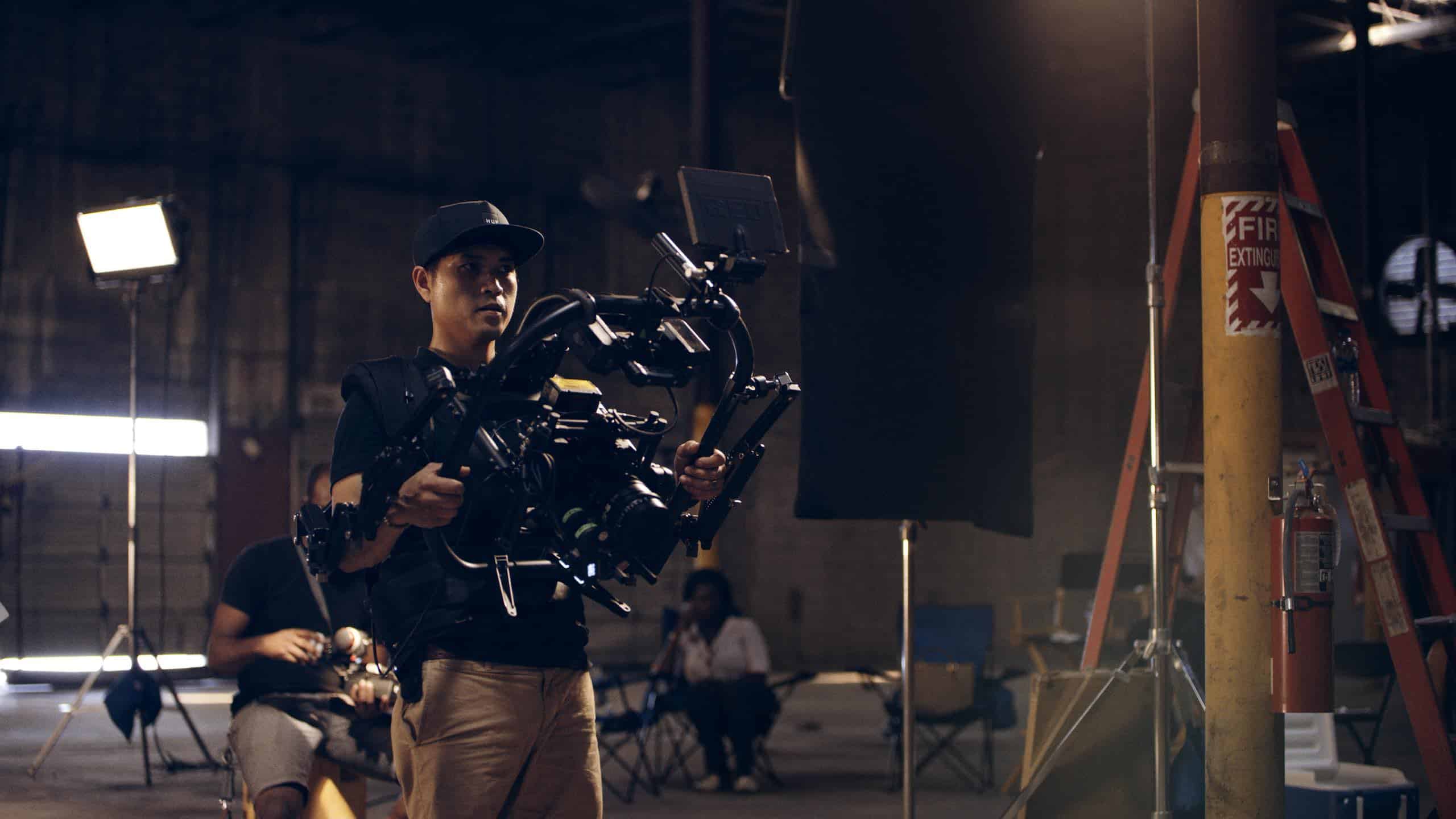
First and foremost, renting is a great way to control your capital costs. Renting cameras for a few days or weeks instead of making a full purchase, especially for shorter shoots, can give you huge savings. You may need a camera stabilizer for only one day. Why buy it?
Tips: Rent around your schedule, so only pay when you are using. Follow your storyboard and create a tight production plan and schedule and then plan your rentals around that. There’s no need to rent equipment for the entire shoot if you only need it for a shorter time.
- Reduce your storage needs
Storage on a shoot can be limited, and studio space quickly fills up. Reduce expensive storage space and the insurance they require. Save the precious studio space for sets and working areas.
- Reduce your insurance costs.
Insurance – Be sure to get insurance. Most rentals houses will require you to take coverage for the equipment you rent. PLEASE DO! But this will be much more reasonable than full-time coverage on all of your equipment.
- Maintenance is not your problem!
If you are renting, you do not pay for maintenance. If your camera breaks from normal wear and tear, the video rental company is responsible for repair costs.
- Pass on the cost to the client
If you are using specialized equipment for a shoot, consider building it into your bid and charging it back to your client. You can’t do this with the essential equipment you would be expected to have, but a drone, special effects, or other equipment may be reasonable to chargeback as a production cost.
- Rentals are tax-deductible
Renting a video camera for a project is 100% tax-deductible as an operational expense under the 179 IRS Tax Code. Tax codes change, so always check with your accountant.
- It’s easy to calculate your breakeven point.
If you have the cash and know precisely what camera you will want and need for the next few years, buying may make more sense. Normally. Various projects require a variety of cameras and gear. It’s hard t predict what format will be popular next year or what new technology will be introduced. If you want to look at breakeven to buy vs.rent, consider this. Take a look at the full cost doe the equipment against the cost per daily rental for each item, and you will see the number of rentals needed to reach the retail value.
Ease of traveling – onsite rentals save money, stress
If you are doing a destination shoot, renting production equipment, particularly when shooting abroad, can reduce hassles and expenses. Traveling with equipment can require special permits, which can be expensive and are not always fool-proof. The last thing you want to happen is to have your equipment stuck in customs while your production clock is running.
Some simple accessories like liking, booms, and audio can be the bulkiest (and most expensive) to travel with. Check out the availability of rentals in the destination before you travel. Air and land transportation costs can add up very quickly.
Any equipment can be rented
Just about any video equipment, you may need can be rented. Here are the most rented items:
- High-end cameras with great features. Some rent a full movie package
- An array of specialty lenses
- Audio kits and other sound equipment like boom mics or wireless mics.
- Dana Dolly to mount heavy cameras and hold them steady
- Lighting gear like LEDs or HMI’s.
- Camera package
- Production gear and grip supplies
Tips: Always check out the equipment to be sure to work correctly before shooting day.
This always protects you from being charged for damage before you got it.
Easy to rent – rental house or online
There are several options for where you can rent production equipment ranging from individuals on Craigslist to top online sites, like ours, or actual rental shops. A rental shop is great since you can try out the equipment in person and the staff is usually very helpful in helping teach you the features. The shipping sites can be less expensive and often offer online tutorials. They do not always have some of the more significant equipment and specialty items. So you may find yourself mixing and matching to get what you need.
Renting equipment can be valuable as you move from production to production without investing in the gear you may only use occasionally. You may spend only a tenth of the cost when only renting when it is needed. Try to buy the basics that you will use again and again based on your need. Get the cheapest that meets your needs while giving you the best quality.
When you are ready to rent production equipment
When you are ready to rent production equipment, think carefully through your needs and your production schedule so you can save but renting only when the equipment will be used. Research any unfamiliar gear to be sure you are getting what best meets your needs. Allow for a learning curve to get familiar with the equipment before you shoot. Shop around for the best gear and pricing for each project you do.
RED Control App Komodo Distance Test
GOING THE DISTANCE
There are few things that get us as excited as a new gear rollout from our friends at RED Digital Cinema.
To say that we’re fanboys would be putting it lightly. Early on we put our chips in the RED basket and never looked back. We’ve built up quite an arsenal over the years and are beyond thrilled to say that the RED Komodo 6k is our latest addition.
For those who don’t know, the RED Komodo is a compact digital cinema camera. It has all of the power one would expect from RED but in super sexy, super tight package.
This little guy has is outfitted with unreal dynamic range giving us unbelievable image capture potential at further distances. At least, that’s what we were sold on. Naturally, once this baby arrived at the studio, we put it to the test. As you can see, the Komodo lives up to the hype.
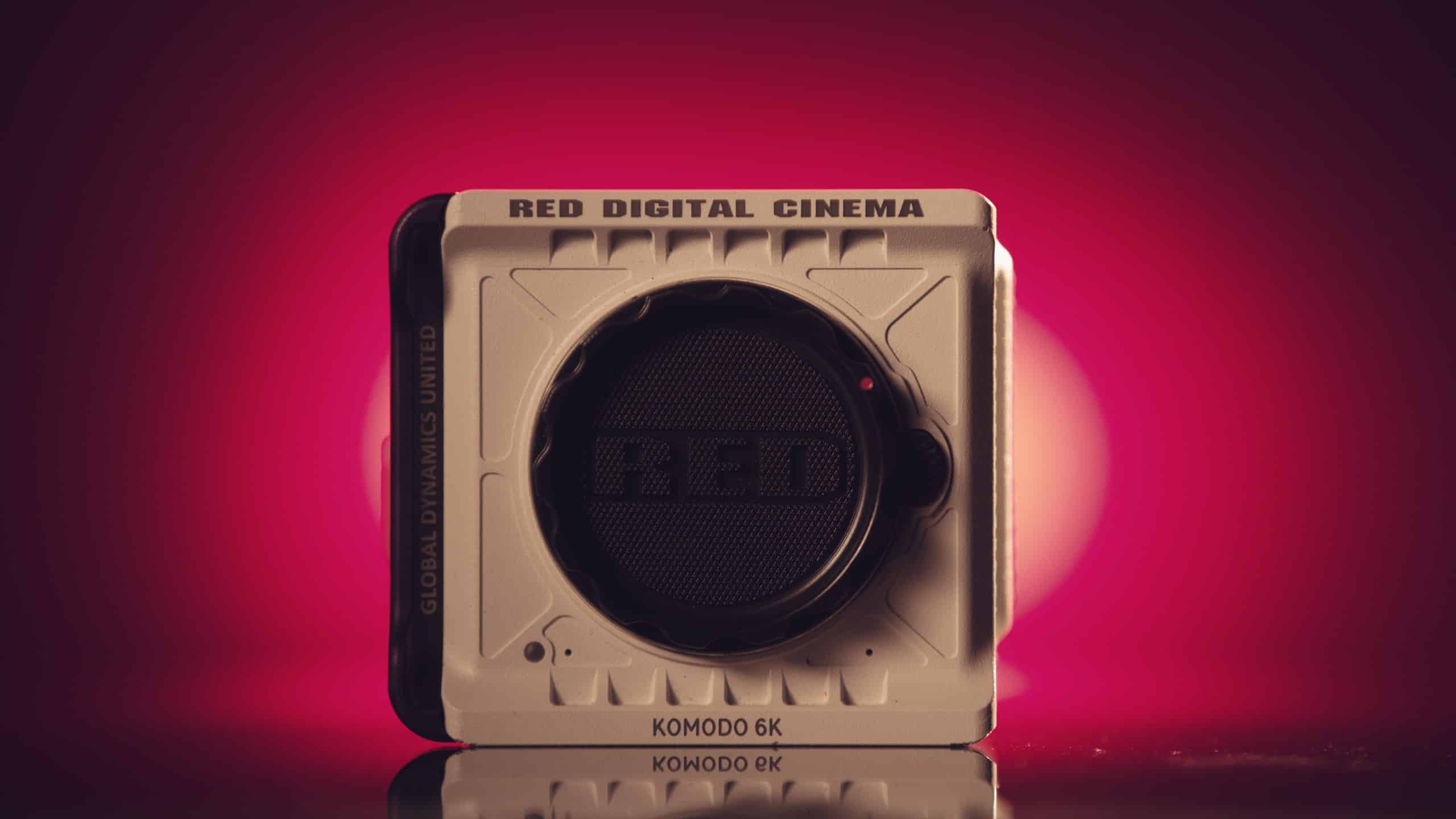
Video Production Sales Pitch: 10 Pro Tips On How To Pitch Videos
Perfecting your video production sales pitch is easier than you think. Finding new clients and projects to work on is a big part of thriving in video production. With a few pro tips and some practice, you can nail your next client pitch and keep those great projects flowing.
Putting together a great bid, pitch and proposal are all essential to the video production business, yet they are often overlooked or taken too lightly. Work as hard on the pitch as you will on the video concepts.
Here are our pro tips for nailing your next video production sales pitch.
Pitching the concept
The best concept in the world can fall flat with a weak pitch. A flustered and scattered pitch will derail the best of concepts. You have already submitted a solid creative brief that has gotten you to the point of pitching concepts.
To recap, your creative brief should include an overview of the project and relevant experience. It will consist of concrete and achievable objectives and the metrics you would be tracking. For example, are you selling more products, getting sign-ups, or changing a brand’s image? You must know the target audience inside and out and include demos such as gender, age, income, education, and ethnicity. An excellent brief assesses the competition and demonstrates you know how this client is different.
Perhaps the most essential elements of a creative brief is your message that demonstrates your campaign’s theme. The brief should illustrate the tone and some visuals like a mood board. Scheduling is a rough outline of critical dates and a budget. Your client has reviewed your creative brief, and you are now ready to pitch!
Here are top tips to help you ace your video production sales pitch
- Study your brief one more time. This has set expectations for your client, and you should not veer from what the client has agreed to see from you. Be sure your concept delivers on all aspects of your brief from goals, to scheduling and budgeting.
- Be sure your concept is fully aligned with the strategy. Don’t let the creative take over. Your concept must deliver concretely on the strategy, which should be the starting point of your creative process.
- Create a concrete pitch deck that includes the visuals and the scripting. Revise, revise, and revise one more time to be sure it is perfect.
- Be prepared to describe your video concept (and your pitch deck) in a couple of sentences. You should be able to call out the focus of the content, the problem being solved, and how it will be solved. Be sure your visuals support the target demographics!
- Be as visual as possible by creating a mood board that helps demonstrate your concept, color palette, tone, and feel. Focus on helping the client see the project as you see it. Use known references such as “Borat meets West Wing.”
- Show your storyboard. Pairing a reading of the script with a storyboard helps the client visualize the project.
- Perfect and practice your pitch. Practice your pitch many times. Sometimes the client may not like your pitch. It happens. Be prepared to defend the project by explaining the choices you have made.
Pitching you and your team
- Demonstrate the value that you and your team bring.
Sales are about bringing value and making a connection with the client. Show your client that you understand their company and their company’s fundamentals, including their business model and how they make money. Remember, everyone is in business for a reason, and while it is easy for us to become enamored with the creative side of things, clients exist to make money. Tie your work to the bottom line as directly as you can.
Show them how working with you will increase their bottom line. It is not always easy to find this direct connection to revenue but dig deep and get creative. This will help your pitch stand out.
Be sure your project description is complete and well thought out. Answer the client’s questions before they ask and show them that you and your shop will address every detail and make their project a priority.
Stay in touch with past clients so you can use them as examples of how your work has helped them increase revenue and get clearance from former clients to use them as references. showing you have a solid track record and proven ability to increase the bottom line is gold in a pitch. And if you can show more than one example, you can demonstrate that you can work across various verticals, including that of the client.
- Show off your expertise.
Your client may have seen some of your work, but remember, they come at it as a layperson. Demonstrating your relevant expertise will separate you from the pack and show why you are uniquely qualified to handle the project. Try to get the client to see your reel or look at your work. As they do, call out the purpose of each project and how you fulfilled it. Don’t spend too much time on this, but this is an opportunity to show how you’ll be able to pivot to a video that brings your client’s goals to life. Weave in some technical details on how you would approach the project showing you have the expertise and equipment to create an excellent video for them.
- Make your proposal clear and detailed.
It is always preferable to make your pitch in person. If this is not an option, perhaps a coffee or even a handshake to make a personal connection to your brand and proposal can be arranged. Your proposal should be comprehensive. Here are some elements that make for a great proposal and pitch.
- Giving your project a name to make it easy to talk about and distinguish
- Give a project overview that includes why you are best qualified to develop and shoot this project.
- Give an overview of your work, including your portfolio and resume.
- Be very clear about the scope of work. Discuss how you will handle work that may go beyond the agreed-upon scope.
- Build a timeline based on what you know. A timeline will help manage the client’s expectations and often will get things rolling.
- Clearly define what the deliverables are and any due dates attached to them.
- Budget – Provide detailed line items, including pre-production and post-production.
- Provide projected travel costs if this is part of the project.
- Always add signature lines for you and the client. ABC – Always Be Closing!
Bonus tips on developing a pitch
Be clear on the client’s goals for the video.
They usually fall within the categories of building brand awareness, selling a product or service, or announcing a new product or service.
Brand awareness videos are not selling a specific service or product but are meant to create a feeling or set of beliefs about the client and tend to be more emotional.
Selling an existing product or service is the most basic of videos and is different from selling a new product or service as there is often not as much explanation of the product required.
Launching and selling a new product can be the most challenging as the audience is likely, not familiar with the product, so you must capture their attention and then hold it as you explain the product.
The basics
- Get familiar with the client. Study their creative brief, their pitch deck, and be sure to visit their site and understand all of their current communications. Get to understand their company culture, vision, and what their goals are for this video.
- Find their unique selling points. Follow up on the client’s creative brief to dig into this if it is not evident.
- Study the competition – Survey the landscape and understand what the competition is doing, how they compare, their positioning, language, and their unique selling points.
- Develop two or three concepts that are doable and that you expect would be acceptable to the client.
- Create a treatment that describes the concept in a couple of paragraphs and have this in your back pocket in case the concept falls flat.
Sometimes a client will just not like your project. It can be that you’ve missed the point, or just maybe creative differences. Defend your work to a reasonable point. But if it is a hard no, move on. If it is “a swing and a miss,” graciously accept it and be sure you learn from the experience and listen to the client’s feedback.