
Commercial Filming Guide for Brands

Commercial filming is one of those disciplines that looks deceptively simple from the outside. A brand picks a location, hires a crew, rolls camera, and out comes a polished 30-second spot. Right? Not quite. The reality involves weeks of planning, dozens of creative and logistical decisions, and a level of technical precision that separates work people remember from work people scroll past. We have produced commercials for major brands across consumer goods, sports, and entertainment, and every single one of them required a fundamentally different approach. This guide walks through what commercial filming actually involves, what separates good work from great work, and how to think about the process before you invest a dollar in production.
What Is Commercial Filming and Why Does It Matter?
Commercial filming refers to the process of producing video content designed to promote a brand, product, service, or idea, typically for broadcast, digital distribution, or paid advertising. It spans everything from 15-second social media ads to multi-minute brand films, from product launch videos to national television campaigns.
The stakes are high. According to Statista’s global advertising spend data, video advertising continues to capture an increasing share of total ad budgets worldwide, with digital video spend alone reaching hundreds of billions annually. When a brand commits to a commercial, they are not just buying screen time, they are investing in perception, trust, and recall.
That is why the quality of the filming itself matters so much. Audiences are sophisticated. They can tell the difference between something shot with intention and something assembled quickly. The visual language of a commercial, its lighting, framing, movement, pacing, communicates brand values before a single word of copy lands.
Our video production services cover the full spectrum of commercial content, and what we have learned over years of production is that the brands who get the most out of commercial filming are the ones who understand what the process actually requires.
The Core Phases of Commercial Filming
Before diving into the nuances, it helps to understand how a commercial production actually flows. There are three phases that every serious production team organizes around, and skipping steps in any of them has a predictable cost.
Pre-Production. Where Commercials Are Actually Made
Industry veterans often say that films are made in pre-production, not on set. This is not a cliché, it is a hard-won truth. Pre-production is where creative concepts become executable plans. A strong pre-production process includes script development and approval, casting, location scouting, permits, shot lists, storyboards, equipment planning, and a detailed production schedule.
For a commercial of any significant scale, pre-production might take two to four weeks, sometimes longer. A national brand campaign with multiple shoot days, talent agreements, and locations across different cities could require months of pre-production work. Rushing this phase is one of the most common reasons commercial productions go over budget or come back with footage that does not serve the creative brief.
Our team treats pre-production as the creative spine of every project. Everything from the talent we cast to the specific lens we choose for a hero shot gets decided before we show up on set, because decisions made under pressure on shoot day cost more in every possible sense.
Production. The Shoot Itself
This is the phase most people visualize when they think about commercial filming. Cameras, lights, crew, talent, action. And while it is the most visible part of the process, it is also the phase that is most dependent on the work done before it.
A typical commercial shoot day involves a director of photography working closely with the director to execute a pre-approved shot list while managing a crew that might include gaffers, grips, a sound team, a production designer, makeup and wardrobe artists, a production assistant team, and client-side stakeholders all watching on a monitor village. The pace is relentless. Shoot days are expensive, not just in crew rates and equipment, but in talent fees, location costs, and the compounding effect of overtime.
Our 30,000 sq ft facility in Fort Lauderdale gives us a significant operational advantage here. Rather than scrambling to rent locations or build out temporary sets, we can design and execute complex commercial shoots in a controlled environment, managing light, sound, and logistics with a precision that outdoor or rented locations rarely allow. For brands that want to see what our facility can do, our Fort Lauderdale production studio is built for exactly this kind of work.
Post-Production. Turning Footage Into a Commercial
Raw footage is not a commercial. Post-production is where the edit takes shape, where performance choices get locked, color grades get applied, sound gets mixed, music gets licensed or scored, motion graphics get built, and the final deliverables get formatted for every distribution channel.
For a :30 spot, post-production might take two to three weeks. For a multi-format campaign with broadcast masters, digital cuts, social edits, and international versions, that timeline extends considerably. Our post-production services include editorial, color, audio, and finishing, and we keep it all in-house, which means the people who shot the footage are in close communication with the people cutting it.
What Makes Commercial Filming Different From Other Video Production
Not all video production is the same. A documentary crew operates very differently from a commercial crew. A corporate video production has different priorities than a narrative film set. Commercial filming sits in its own category, and understanding why matters if you want to choose the right production partner.
The Compression of Message Into Time
A commercial has to accomplish something specific in a very limited window. Fifteen seconds. Thirty seconds. Sixty if you are lucky. Every frame has to work. Every visual decision, the color palette, the lens choice, the talent’s wardrobe, the set design, needs to reinforce the message without competing with it. This level of intentionality is genuinely difficult to execute, and it is why experienced commercial directors and DPs are worth the investment.
Brand Consistency as a Non-Negotiable
Commercial filming operates within brand guidelines in a way that other video formats do not. The visual language has to match what audiences already associate with the brand across every touchpoint, packaging, social media, retail environments. Our advertising team works directly with brand and marketing stakeholders to ensure that the production serves the larger creative system, not just the individual spot. You can see how we approach this through our advertising services.
Distribution-Ready Deliverables
A commercial is not finished when the edit is locked, it is finished when it has been mastered and formatted for every platform it will run on. Broadcast specs, digital platform requirements, social aspect ratios, captioning requirements for accessibility compliance, these are all post-production considerations that require specific technical knowledge. Brands that partner with full-service production companies avoid the friction of trying to coordinate separate vendors for each of these steps.
Commercial Filming by Location. Why Where You Shoot Matters
Geography plays a bigger role in commercial production than most clients initially expect. Talent pools, incentive programs, union considerations, weather patterns, and the availability of specific locations all factor into where a commercial should be filmed. C&I Studios operates across three major markets, and each one offers a distinct set of advantages.
Fort Lauderdale and South Florida
South Florida is genuinely underrated as a commercial filming destination. The light is extraordinary, warm, directional, and consistent for much of the year. The diversity of available locations is remarkable: coastal environments, urban architecture, lush tropical greenery, modern interiors, and historic properties within relatively short distances of each other. The talent market has expanded significantly as production activity in the region has grown.
Our headquarters and primary production facility here gives us a logistical advantage that clients notice. We are not coordinating across time zones or relying on local vendors we have never worked with. Our Fort Lauderdale production operation is deep-rooted, we know this market, we have relationships here, and we can move fast when schedules require it.
Los Angeles
Los Angeles remains the production capital of the country for a reason. The concentration of experienced union crew, specialized equipment vendors, top-tier talent, and production infrastructure is unmatched. For national campaigns that require a certain scale or a specific visual aesthetic, LA is often the right answer. Our Los Angeles production team operates with full crew and production support in the market, not a remote satellite office.
New York City
New York brings something to commercial filming that no other city replicates. The energy, the architecture, the cultural density, it creates a visual backdrop that is immediately readable and geographically specific. Fashion brands, financial services companies, media and entertainment clients, and consumer brands that want to tap into an urban, cosmopolitan identity consistently choose New York for commercial work. Our New York City production office handles both brand-driven campaigns and broadcast productions throughout the metro area.
Key Creative Roles in a Commercial Production
Understanding who does what on a commercial shoot helps brands become better production partners. The best client relationships we have had over the years are with marketing and creative teams who know enough about the production process to ask smart questions and give useful feedback, without trying to direct from the monitor village.
The Director
The director is responsible for the creative vision of the commercial and the performance of talent on set. They interpret the script and storyboard, collaborate closely with the DP on visual execution, and make real-time creative decisions throughout the shoot day. Choosing the right director for a commercial is not just about their reel, it is about their ability to communicate a brand’s voice through image and performance.
The Director of Photography
The DP, also called the cinematographer, owns the visual execution of the director’s vision. They are responsible for lighting design, camera movement, lens selection, and the overall look of the footage. An experienced commercial DP works fast without sacrificing quality, and they think in terms of how each shot will cut together in the edit.
The Production Designer
For any commercial with a designed set or environment, the production designer controls everything the camera sees that is not talent. Set builds, prop selection, color palette, surface textures, these are the production designer’s domain. The visual consistency of a brand’s commercial identity often comes down to how well the production design aligns with the overall creative brief.
The Sound Team
Audio is the most underrated element of commercial production. Poor on-set audio creates problems in post that are expensive and sometimes impossible to fix cleanly. Our audio engineering team handles both production sound and post-production audio, mix, music supervision, sound design, and final mastering, ensuring that the audio quality matches the visual quality of the finished commercial.
The Producer
The producer is the operational backbone of any commercial filming project. They own the budget, the schedule, the vendor relationships, the permits, the talent agreements, and the logistics that make it possible for the creative team to do their work. A great producer is invisible when things go well and invaluable when things go sideways.

Commercial Filming for Specific Industries and Formats
Commercial production is not a one-size-fits-all discipline. The approach changes significantly depending on what industry a brand operates in, what platform the content is being made for, and what the campaign is designed to accomplish.
Fashion and Apparel Commercials
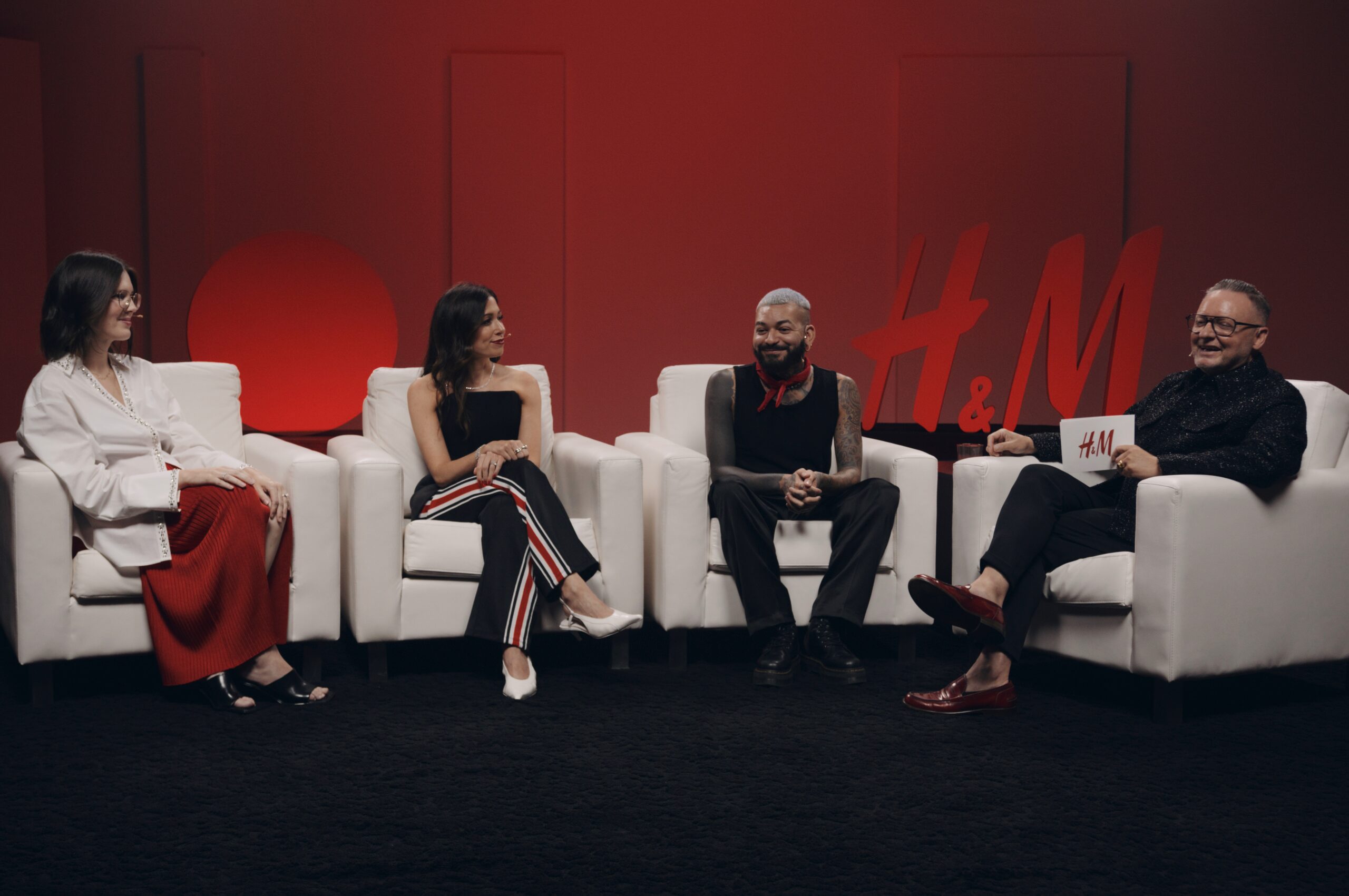
Fashion commercial filming is its own visual language. Lighting has to render fabric textures accurately while still serving the aesthetic vision. Talent movement, styling, and pacing work differently in fashion content than in, say, a packaged goods commercial. Our work with brands like H&M and Calvin Klein has given us deep familiarity with what fashion commercial production requires at the highest level, the attention to fit, to skin tone, to the way light falls across a garment, to the pace of a cut that feels editorial without losing brand clarity.
Consumer Packaged Goods and Product Commercials
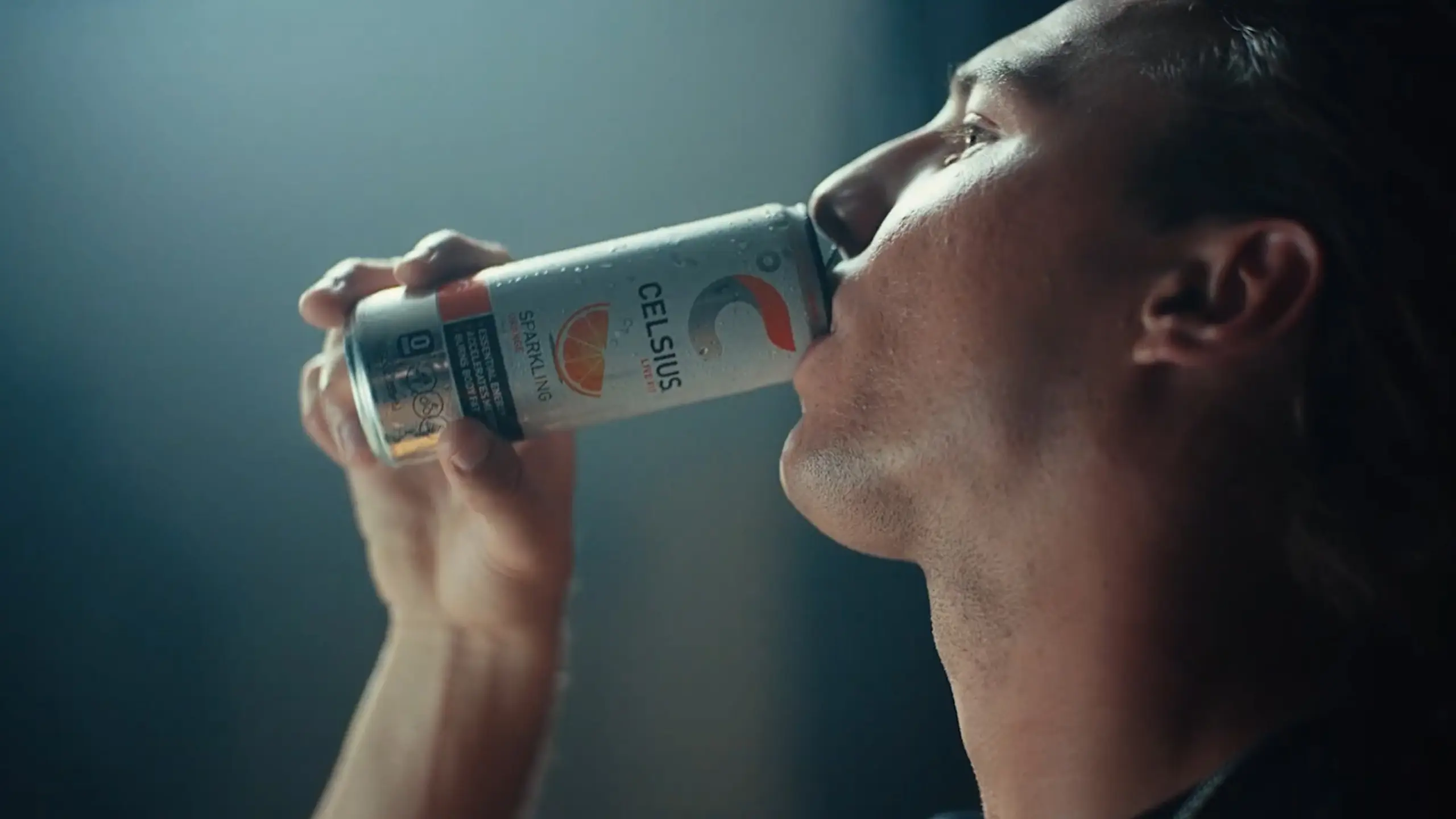
Product commercials are technically demanding in ways that are not immediately obvious. Capturing the visual appeal of food, beverage, or consumer goods requires specialized lighting setups, precise camera angles, and often multiple takes under controlled conditions. Our work with Coca-Cola, Celsius, and other consumer brands reflects this level of technical precision. The goal is always to make the product irresistible on screen, which is harder than it sounds.
Sports and Athletic Brand Commercials
Commercial filming for sports brands brings unique challenges around motion, energy, and authenticity. High frame rate shooting, specialized stabilization rigs, and the ability to work in dynamic environments with athletes moving at full speed all require both technical and creative expertise. Our productions for Nike and the NFL operate at this level, where the footage has to capture genuine athletic intensity while still serving a brand’s visual identity.
Technology and Consumer Electronics
Tech commercials often need to communicate complex functionality in a way that feels effortless and aspirational. Screen inserts, product UI animations, and the challenge of making hardware look both precise and desirable all come into play. Our production work for brands like AT&T and SiriusXM reflects the kind of technical storytelling that technology commercial filming demands.
Social Media and Digital-First Commercials
The rise of digital and social media advertising has fundamentally changed commercial filming. Aspect ratios, attention spans, and platform behaviors create a completely different set of creative and technical parameters than broadcast television. A commercial designed for Instagram Reels has different pacing, framing, and structural logic than a 30-second broadcast spot. Our social media marketing services inform how we approach digital-first commercial production, with a platform-native perspective built into the creative process from the start.
Common Mistakes Brands Make With Commercial Filming
After years in this industry, certain patterns repeat themselves. These are the mistakes we see most often, and the ones that are easiest to avoid with the right production partner and a bit of informed preparation.
Underestimating the Timeline
Brands consistently underestimate how long commercial filming actually takes from brief to delivery. A quality commercial production typically requires a minimum of four to six weeks from concept to final delivery for a straightforward project. Larger campaigns with multiple spots, complex sets, or wide distribution requirements can take three to six months. Trying to compress this timeline rarely ends well, and the work shows it.
Treating Post-Production as an Afterthought
We see this repeatedly: brands that invest heavily in the shoot and then try to minimize post-production costs. The problem is that post is where the commercial is actually assembled. An underfunded edit, a compromised color grade, or a rushed audio mix will undercut even the best production footage. The budget needs to reflect the reality that post-production is not optional, it is half the work.
Neglecting Audio
Sound design, music, and audio mix are often the last considerations in commercial production planning, and this is a mistake. Research from multiple advertising effectiveness studies has consistently shown that audio quality significantly affects viewer perception of brand quality. Our audio engineering team is not a separate afterthought; they are part of the production pipeline from day one.
Over-Scripting Talent Performances
Some of the most effective commercial performances happen when talent is given clear direction but room to find something genuine within the take. Rigid scripting and over-rehearsal can drain the life out of an on-camera performance. The director’s role is to create the conditions for something real to happen, not to mechanically execute a pre-planned performance.
Ignoring Distribution Requirements Until the End
Different platforms have different technical requirements, and trying to adapt deliverables after the fact is inefficient and sometimes impossible without going back to the edit. Broadcast master specs, digital platform requirements, vertical social formats, closed captioning, all of these should be defined at the beginning of pre-production so they can be planned for in the shoot and post workflow.
How to Evaluate a Commercial Production Company
Choosing a commercial production partner is one of the most consequential decisions in a campaign’s lifecycle. The wrong partner will cost you more than money, they will cost you time, creative quality, and potentially brand equity. Here is how we would approach the evaluation if we were in a brand’s position.
Start with the portfolio. Not the highlights reel, the actual body of work. Look at whether they have produced commercials in your industry or for brands at a comparable scale. Look at the variety in their work: do they demonstrate range, or do everything look the same? Our portfolio of completed work spans industries, formats, and tones precisely because commercial filming is not monolithic.
Look for full-service capability. Production companies that own their entire pipeline, creative development, production, post-production, audio, will always deliver more consistently than those relying on external vendors for key parts of the process. Coordination between vendors introduces risk. In-house capability reduces it.
Ask about their experience with your distribution channels. A production company that has only ever made digital content may not have the technical knowledge to deliver broadcast-quality masters. Conversely, a legacy broadcast production house may not understand how to optimize content for platform-native social environments. The best commercial production companies understand both worlds.
Consider their geographic footprint. If your campaign requires production across multiple markets, a company with real infrastructure in each market will serve you better than one that claims to operate everywhere but subcontracts locally. Our presence across Fort Lauderdale, Los Angeles, and New York gives us genuine operational depth in three of the most important commercial filming markets in the country.
According to the Association of Independent Commercial Producers, transparency in production budgeting and clear communication about deliverables are among the top factors brands cite in positive production experiences. It is worth asking direct questions about how a company structures its bids and what is included versus billed separately.
The Relationship Between Commercial Filming and Broader Film Production
Commercial filming does not exist in isolation from the broader world of film and video production. Many of the techniques, technologies, and creative approaches that define high-quality commercial work trace their roots to narrative film and documentary traditions. Conversely, the discipline of commercial production, the ability to communicate powerfully in compressed time, has influenced narrative filmmaking in significant ways.
Our team’s background spans both worlds. Our film production services and our documentary production work inform the visual storytelling we bring to commercial projects, and vice versa. When a director who has spent time on long-form narrative projects approaches a 30-second commercial, they bring a different kind of visual intelligence than someone who has only ever worked in advertising. That cross-pollination is something we actively cultivate within our team.
This is also why we invest in the kind of facility and equipment that serves both commercial and narrative production. A 30,000 sq ft production facility is not designed for corporate video, it is designed for serious, complex production work across formats. When brands walk through our Fort Lauderdale facility and see the infrastructure, they understand why our commercial work looks the way it does.
Work with C&I Studios
If you are planning a project like this, our team can take it from concept to final delivery. Explore our video production services, browse our work to see how we tell brand stories, and get in touch when you are ready to start.
From C&I Studios: Planning your own project? See how C&I Studios approaches commercial production services.